
Stokes County Smart Search
Begin at the North Carolina eCourts Portal. Stokes County joined Enterprise Justice, also called Odyssey, in July 2025. Smart Search is the public lookup there. It covers Stokes County criminal, infraction, civil, estate, and nonconfidential special-proceeding information. It is a statewide court service, not its own Stokes County database. Enter a name or record number first. The result then opens the public Case Summary or Register of Actions.
The Portal is a search tool, not the official court record. Contact the Stokes County Clerk of Superior Court for a Stokes County certified document or a missing filing. That office also answers questions about the actual case file. Filing through North Carolina File & Serve is a separate task. That service is the e-filing route. It does not replace Smart Search for a public docket lookup.
The official eCourts Portal displays the Stokes County case-search starting point.
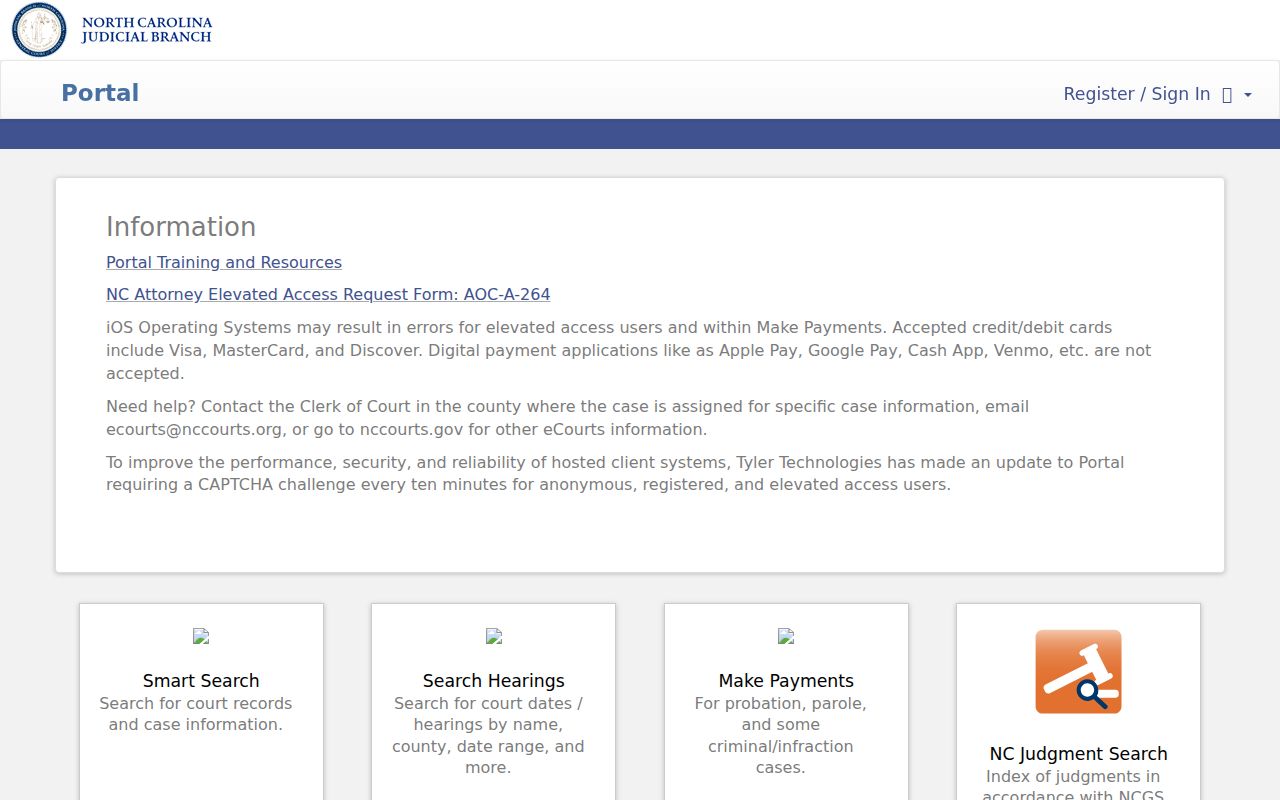
Pick the service that fits the job before you type anything. Smart Search, Search Hearings, and Make Payments each return different results for a Stokes County case lookup.
Searching Cases by Name
Smart Search indexes names in Last, First order for a name-based Stokes County case search. Enter the exact name when you know it. Set Stokes as the location. Then apply filters before opening results. Public results hide the month and day of birth, even when the year is shown.
- Open the official eCourts Portal and choose Smart Search.
- Enter the known name as Last, First, or enter the exact record number.
- Open Advanced Filter Options and select Stokes County, a case type, status, or filing-date range when needed.
- Open the underlined case number and read the chronological Case Events, Hearings, and Dispositions sections.
The State's Portal training resources explain wildcard and advanced-search options. Filters refine a basic search; they cannot run on their own.
| Field label | Type | Required | Stokes use |
|---|---|---|---|
| Record Number or Name | Text | One basic criterion | Use a case number or a name in Last, First order. |
| Advanced Filter Options | Expandable panel | Optional | Add filters only after the basic search begins. |
| Location | Dropdown | Optional | Select Stokes County to focus the case search locally. |
| Case Type, Status, Filing Date | Dropdowns and dates | Optional | Refine a broad Stokes County result set. |
Note: Public search results hide some personal identifiers. The case itself can still be open to ordinary public inspection.
Stokes County Case Search Filters
A search that hits the Portal's 200-result cap needs more detail. Do not guess from the first screen. Stokes County filters can include location, case type, case status, and a filing-date range. Criminal and infraction choices include statuses like Pending and Disposed. Others are Completed and Transferred to Superior Court. Treat those labels as search aids only. The case's events and disposition tell you what actually happened.
Case type also separates a Stokes County infraction. It separates civil cases from estate matters. A citation number appears among the guided search choices when you have it. Smart Search is not a charge-text index. The State describes it as a case-centric system.
The official Portal training page documents the public search tools used for Stokes County cases.
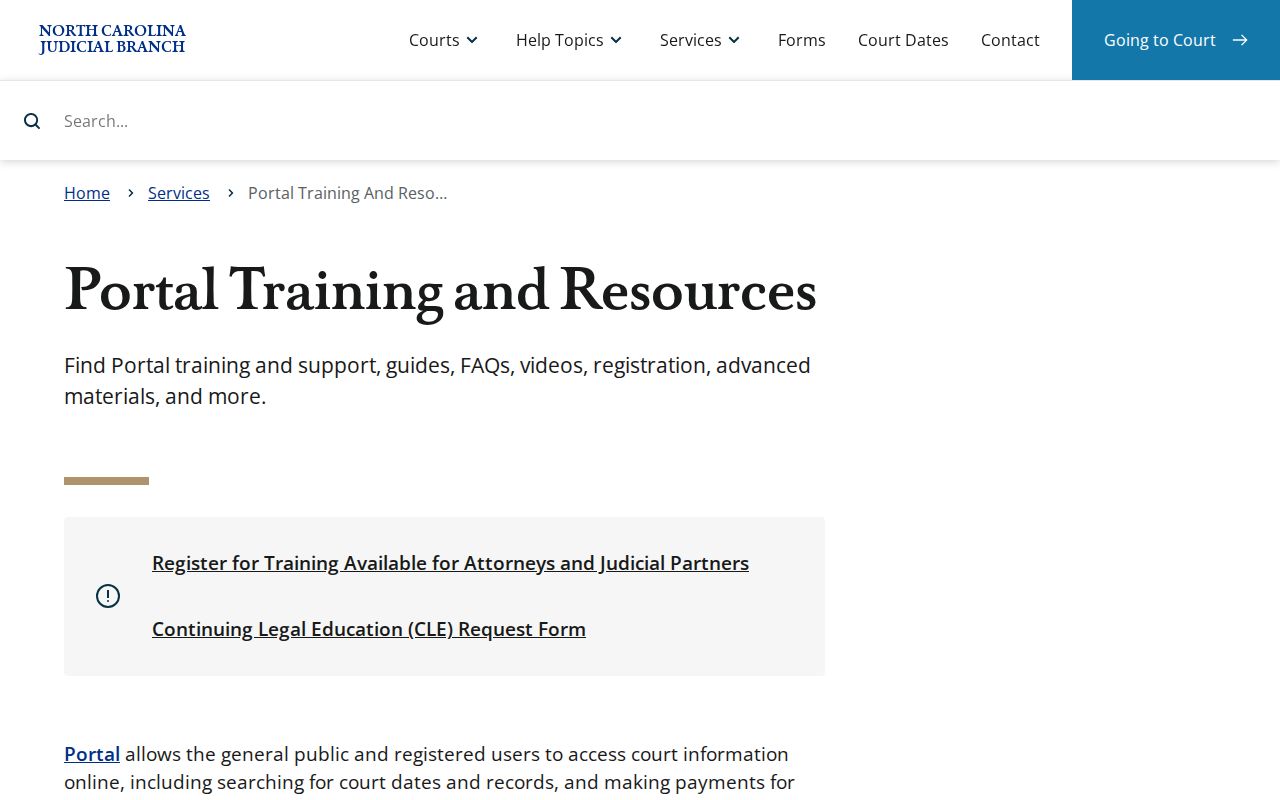
Training materials help most when a name format or a result cap makes a first Stokes County search too broad. A quick review of them can save repeated attempts.
Searching by Case Number
An exact case number is usually the most precise route into a Stokes County case. Current Enterprise Justice numbers combine a two-digit filing year and case-type letters. Next are a six-digit sequence and a hyphen. A three-digit county identifier finishes it. Stokes County's identifier is 840. One structural example is 26R000052-840.
Older migrated civil references may use codes like CVD, CVM, or CVS. Keep the number exactly as it appears in the court papers. Paste it into the Portal's record-number field. Those final three digits point to Stokes County, but 840 alone cannot find a case. If a number fails, check each character and the county. Also ask whether the file is legacy or restricted.
Stokes County 840 Case Codes
The 840 suffix is a local clue inside a statewide search system. It marks Stokes County in the current Enterprise Justice format. The letters before the sequence identify the general record type. It does not create a separate Stokes County court number or reveal an outcome. Court division, events, hearing information, and dispositions appear only after the full record is opened.
The county's move to eCourts explains why one file can carry a modern number. Older civil material may keep an earlier reference. The North Carolina eCourts overview identifies Enterprise Justice as the statewide case-management system. Need the Clerk to find an older Stokes County record? Bring both the original reference and the current Portal result.
An official eCourts status page records the statewide system. That system now supplies Stokes County case search access.
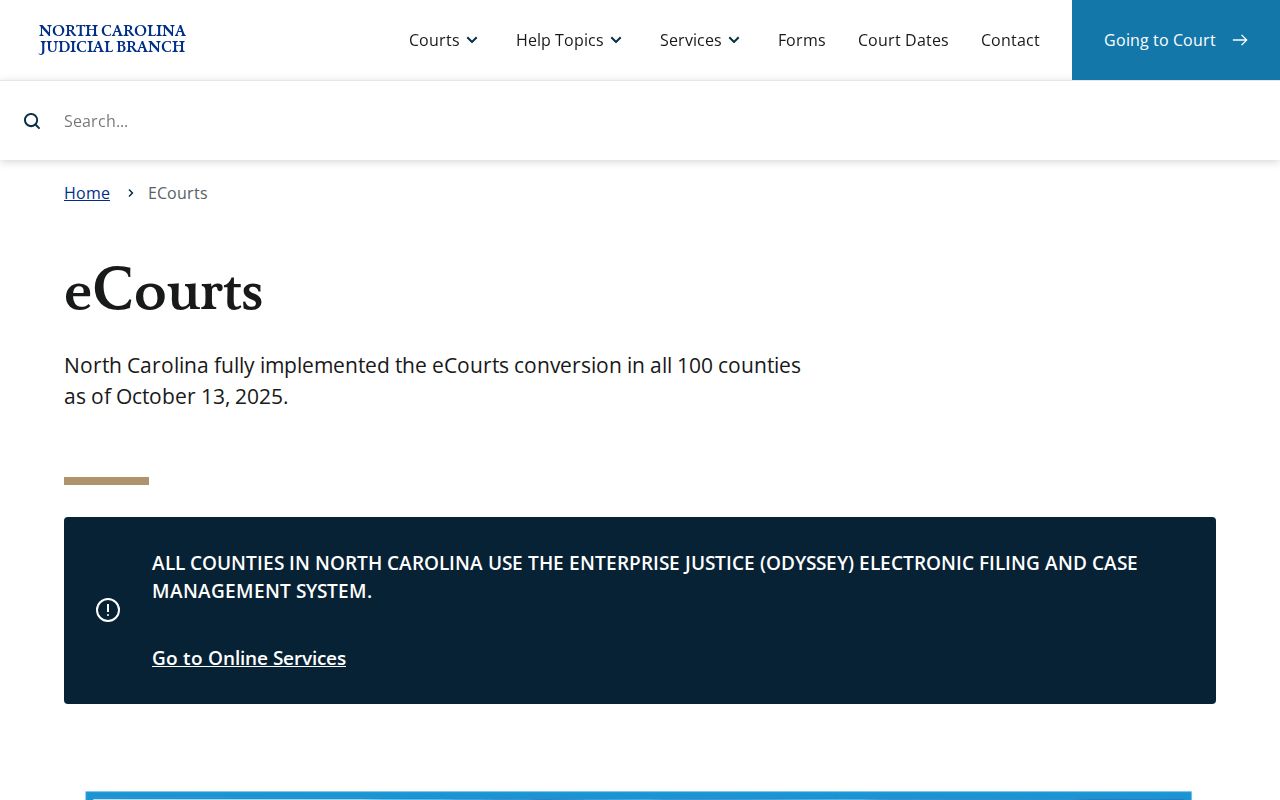
The statewide conversion expanded remote lookup for court records. The Stokes County Clerk still holds the official local case file.
Stokes County eCourts Case Change
Stokes County switched to eCourts on July 21, 2025. Public case-search work now runs through Enterprise Justice. That shift is why the Portal uses terms like Case Summary and Register of Actions. A migrated file can carry a modern Portal index date. It may differ from an older paper file-stamp date.
Keep the legacy reference for an old Stokes County case, not just the current number. Entries may look inconsistent after conversion. The Clerk holds the official file and the available record history.
What a Case Search Returns
Click an underlined result and you land on the Stokes County Case Summary, also called the Register of Actions. It is a chronological public display. Think of it as more than a calendar line. Detail varies by case type and public-access status, so read the current event list and the Hearings and Dispositions sections before treating a label like Pending or Disposed as the whole story.
| Case number | The complete Enterprise Justice identifier, such as a format ending in -840. |
|---|---|
| Case and assignment information | Core information and recorded assignment details for the Stokes County case. |
| Party information | Recorded parties and roles, subject to public-access rules. |
| Case events | Dated docketable events in the Case Summary chronology. |
| Hearings and dispositions | Scheduled information when available and the recorded outcome details. |
| Financial information | Information that appears when applicable; verify current amounts with the Clerk. |
Public document images appear where available. No rule promises a free downloadable image for every Stokes County event. For the filing behind a result, request the record from the Clerk.
Stokes County Case Summary Terms
Three related terms carry different meanings in a Stokes County search. The Case Summary, or Register of Actions, is the public chronological display. A Case Event is one action entered in that timeline. A Disposition is the recorded outcome information. Keep in mind that an event about service, a warrant, or a reset is not automatically a final disposition. It is simply an event. Treat only the recorded outcome as the disposition.
- Hearing
- A scheduled court event. Search Hearings can provide current schedule results when the needed criteria are entered.
- Pending
- A status showing the case remains active or incomplete; it does not independently confirm a future date.
- Disposed
- A recorded outcome exists. Open Dispositions for the actual result and date.
- Financial Information
- A Case Summary section that appears when applicable and should be verified with the Clerk for current figures.
These labels make a Stokes County court docket easier to read. They still do not replace the official file or a certified record.
Statewide vs County Case Search
North Carolina's Portal serves as the statewide public search layer. It is also the practical online route for Stokes County cases. No separate Stokes County public case-search portal exists to compare against it. The county distinction matters after the search. Stokes County location filters narrow the results. The Stokes County Clerk keeps the official local file.
| Portal public search | Stokes County Clerk route |
|---|---|
| Searches public case information through Smart Search. | Maintains the official Stokes County court file. |
| Uses statewide scope or a Stokes County location filter. | Handles local file inspection, copies, and certifications through lawful access. |
| Shows a Case Summary/Register of Actions and public information when available. | Provides the route for a certified document or a file not available online. |
Once you have the case number, turn to the Stokes County court records route for a complete document request.
Stokes County Hearing Search
Search Hearings is not another name for Smart Search. Use Smart Search to find a Stokes County case and its Case Summary. Use Search Hearings when the question is a court date. The hearing tool asks for a location, hearing type, one search type, a matching criterion, and a date range. Search types include case number, party name, and business name. Attorney name, attorney bar number, judicial officer, and courtroom are also choices. Stokes County also links official civil and criminal calendar services from its local administrative schedules. A near-term or unclear setting should be checked with the proper court office. Calendar results can change.
Stokes County Portal Access
Anonymous users can search ordinary public Stokes County case information. Registration stays optional. A frequent public user gains the ability to save cases in My Cases, nothing more. Ordinary users do not get wider access to restricted material this way. Elevated access is a separate authorized role. The State routes attorney requests for it through File & Serve and its required form. Portal images and printing may carry a fee. The State publishes no Stokes County per-document price. So treat the Portal as a search and public-viewing channel. It is not a promise that every document is visible, free, or certifiable. An official North Carolina File & Serve image shows the filing platform. That platform is distinct from the Stokes County public case-search tool. That separation is the point of the official page.
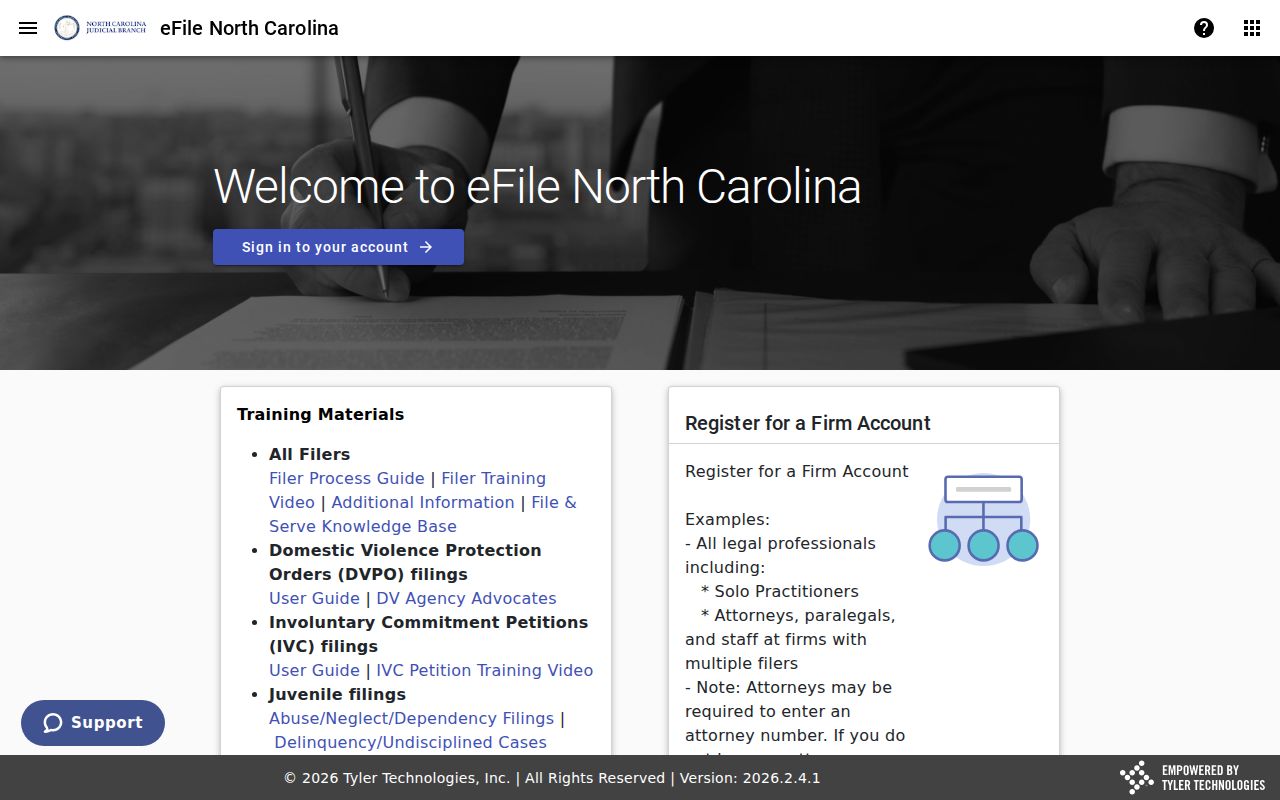
Reach for File & Serve only when a required filing or authorized-access process calls for it. Use Smart Search for an ordinary public Stokes County lookup.
Access and Restricted Cases
Many adult public records can yield a Stokes County Case Summary. Civil, criminal, infraction, estate, and nonconfidential special-proceeding files all qualify. Sealed and confidential materials stay hidden from ordinary users. Juvenile cases are generally withheld from public inspection under G.S. 7B-3000. Unreturned criminal warrants and protective-order records are also restricted under Portal guidance. Registering does not defeat a seal, a confidentiality rule, or a court order. An expunged or sealed record will not behave like an ordinary public search result. The lawful route depends on the case. It also depends on the authority for access, not on a broader web query.
Stokes County No-Result Checks
A Stokes County search with no result may simply reflect a wrong spelling. It could also be a missing comma in Last, First format. An incomplete case number, the wrong location, a restricted case type, or a sealed record can do the same. It does not prove no record ever existed. Check the citation or court paper. Repeat the name format carefully. Use the complete number where possible. If the public Portal still cannot answer a legitimate Stokes County record question, contact the Clerk at the courthouse. The Clerk can identify the inspection route for a public local file. That office still protects juvenile, sealed, and other restricted records. Remember: a Case Summary is a public access tool. A certified copy must come from the Stokes County Clerk of Superior Court.