
The Stokes County Court Calendar
A Stokes setting can appear in several places. eCourts Search Hearings is the most detailed general source for current Stokes hearings. Each Stokes Case Summary can also carry a Hearings section. The Stokes court page links Civil and Criminal Calendars. The local administrative-schedules page publishes a master-session calendar. It also carries a Superior Criminal Court Plea Calendar link. The overlap is real. But each source does its own job. A published list gives you the session context. The Portal and the court office are the better checks on the current date, time, and location. Stokes Superior Court and Stokes District Court share one courthouse. Verification stays local. The Court Manager and the judicial offices can confirm a close or unclear setting. Their numbers sit in the Stokes contact directory. No daily printed calendar exists. So lean on the Portal, the calendar service, the posted schedules, the counter, or the phone.
Stokes Court-Date Toolkit
Match the Stokes source to the job. eCourts Search Hearings finds current scheduled events in Stokes. A Stokes Case Summary keeps the hearing beside the rest of that case's chronology. Local schedules add session and plea-calendar context. State Civil and Criminal Calendars are parallel views. For confirmation, the Stokes Clerk and the judges' offices remain the local route. A static Stokes calendar explains why a setting sits where it does, but it is not always the final word after a later event or order in the case.
| Stokes calendar channel | Best use |
|---|---|
| eCourts Search Hearings | Current hearing results by location, type, criterion, and date range. |
| Portal Case Summary | Case-level hearing history and related events or dispositions. |
| Local administrative schedules | Master-session notices and Superior Criminal Court Plea Calendar material. |
| Civil or Criminal Calendars | Published statewide calendar views linked by Stokes. |
| Court office or Clerk | Clarification of a close, unusual, or unclear local setting. |
The official North Carolina calendar service is one of the Stokes-linked calendar channels.
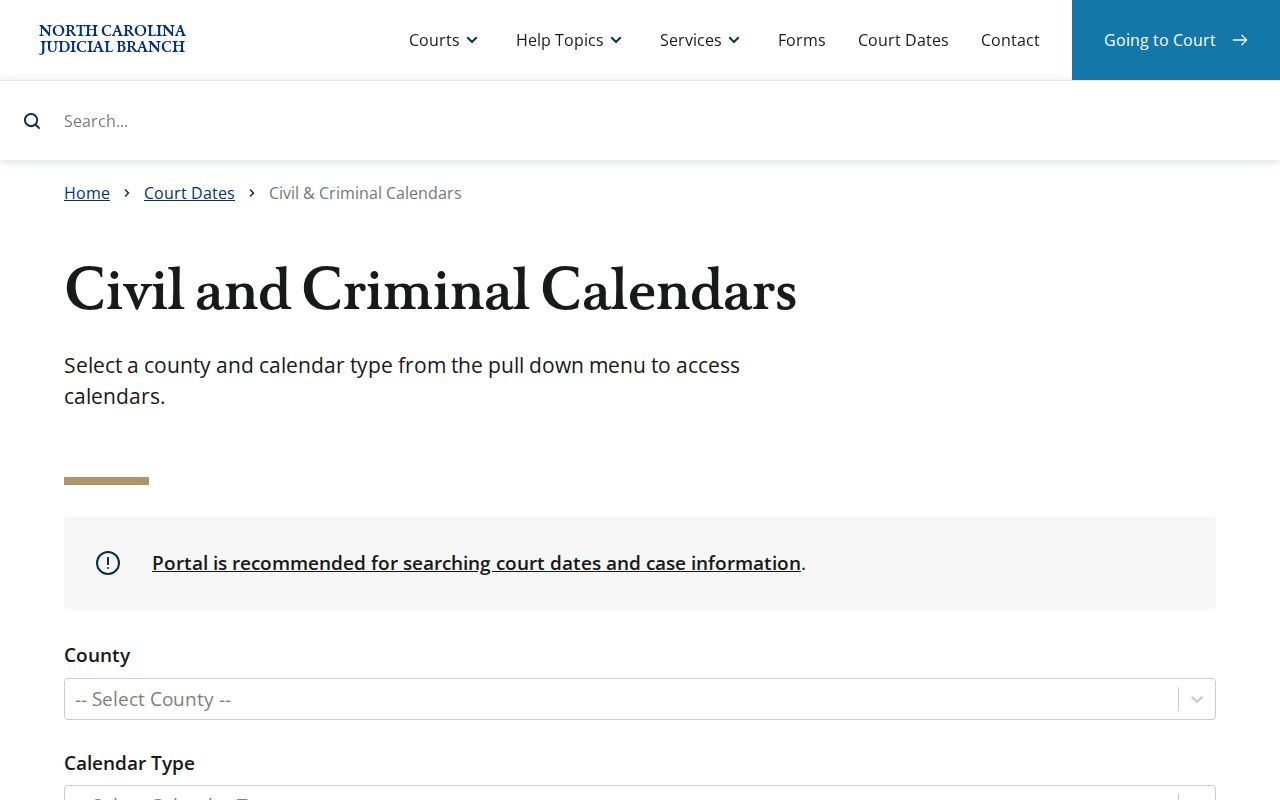
Use that service alongside the Portal. It cannot replace the latest case-level hearing result.
How to Find Your Court Date
Start with eCourts Search Hearings. It tracks current Stokes court dates. Choose the Stokes location, a hearing type, one search type, the matching criterion, and a date range. A Stokes case number is the clearest identifier. Party, business, attorney, judicial-officer, and courtroom options also work where they fit the search. Then open the same case in Smart Search and compare the Stokes hearing result with Case Events and Dispositions. A calendar entry is a schedule. It is not a final result in the case.
- Open the official North Carolina eCourts Portal and choose Search Hearings for a current Stokes setting.
- Select Stokes, a hearing type, one supported search type, the matching search value, and a Date From and Date To range.
- Open Smart Search for the same case and compare the Hearing entry with the newest Case Events.
- Check the Stokes local administrative schedules and the linked Civil or Criminal Calendar for session-list context.
- Use the Clerk at (336) 593-4400, Superior Court at (336) 983-8989, or District Court at (336) 386-3712 when a nearby date remains unclear.
- At the courthouse, use the Clerk’s public terminal or counter for public lookup and official-file routing.
Stokes Search Hearings Fields
Stokes Search Hearings covers scheduled events, not record history. The Stokes Location, Hearing Type, one Search Type, the matching search field, and a date range are all required. Results can be sorted by column. Column names can shift with the hearing type, so do not assume an unnamed Stokes-specific field. The State's guide adds a caution. Check with the Stokes courtroom clerk about how cases are called before treating a one-day courtroom result as a call list.
| Required field | Use in a Stokes hearing search |
|---|---|
| Location and Hearing Type | Select the court location and the type of hearing to be searched. |
| Search Type | Case Number, Party Name, Business Name, Attorney Name, Attorney Bar Number, Judicial Officer, or Courtroom. |
| Matching criterion | Enter the matching name or number, or select the judicial officer or courtroom. |
| Date From and Date To | Required range that bounds the hearing results. |
Reading a Court Setting
Read a Stokes hearing result field by field. The date and time identify the scheduled event. A session's calendar call can still differ from an individual matter's time. Location and courtroom show where it is set. The hearing type explains the listing's purpose. A judicial-officer field helps confirm the result when that search option was used. Compare every field with the newest Stokes Case Summary event, because a listed date may become history after a continuance or a later order.
| Date | The scheduled calendar date returned by the current hearing search. |
|---|---|
| Time | The listed time, which may be a calendar call rather than an individual case’s guaranteed hearing time. |
| Location or courtroom | The scheduled court place shown in the result; select a known specific courtroom when searching by courtroom. |
| Judicial officer | A search or result context that helps identify the setting when the Portal provides it. |
| Hearing type | The type of scheduled court event selected in the hearing search. |
Stokes Court Calendar Terms
Local calendar labels are not interchangeable. The April 2026 Stokes/Surry Superior civil rules use specific terms for case-management and session stages. Reading the label tells you whether an entry is a civil administration step, a motion hearing, or a trial list. A Plea Calendar is criminal, not civil. If a portal result says continued or reset, compare the older and newer hearing entries. Do not treat the former date as current.
- Administrative Session
- A Superior civil case-management stage held around 120 days after filing to establish later scheduling information.
- Motion calendar
- A Court Manager-prepared list for a filed motion or nonjury matter.
- Calendar call
- The beginning-of-session call of listed civil cases; local rules set it at 10:00 a.m. on the first session day.
- Trial calendar
- An advance list of civil cases expected to be ready for trial; listing does not guarantee the case will be reached that day.
Resets, Continuances, and Cancellations
Stokes/Surry civil continuances follow a precise local procedure. A civil case already set by Administrative Order is not routinely continued. The local rules treat continuance requests as presumptively disfavored. Before the first day of the civil session, the Court Manager holds exclusive authority under the Senior Resident's supervision. The request must be written. It uses AOC-CV-221, must be served on the other parties, and must reach the Court Manager by email or personal delivery at least 10 days before session. It also has to give reasons and a proposed new trial date. Other Stokes case types differ. No single reset rule covers them. A later Portal hearing or event entry may show that a date moved. Check the newest result, the applicable local calendar, and the relevant court office. An old hearing entry is history. It does not confirm a current cancellation or a replacement date.
Stokes Civil Continuance Route
Want a Stokes County civil case moved before session? The Court Manager handles that, not a generic online form. The route starts with a calendared case and a written request filed the way the local rules describe. One limit matters: the rules state that unfinished discovery does not count as an extraordinarily compelling reason. Keep in mind this is Superior civil practice only. No published local rule extends it to criminal dockets, infractions, or other Stokes County calendar settings, so do not assume it applies there. For the official text of this continuance procedure, read the Stokes/Surry 2026 civil rules.
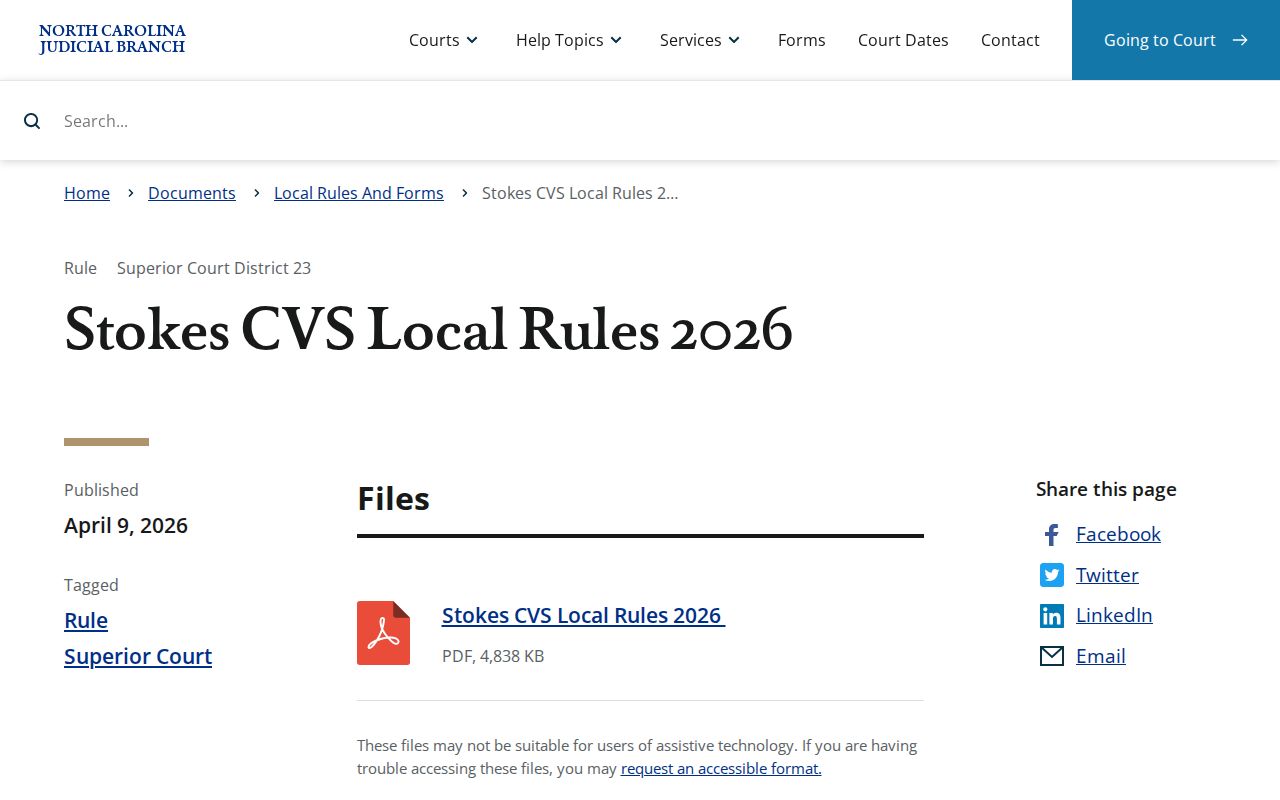
The local rules spell out timing and request mechanics a single Portal hearing row will never show. That detail is exactly why the document is worth opening.
What To Do If You Miss a Setting
Missed a Stokes County setting? Start with the Case Summary and Search Hearings to see the latest status and court date. Then call the right Stokes court office or the Clerk without delay and ask which public route now applies to the case. An older calendar list can mislead, so set it aside. For traffic or criminal matters, State guidance is blunt: a missed court date can trigger a failure-to-appear entry, with reporting consequences that follow. What the court actually does next depends on the case and the most current docket entry.
Missed a Stokes setting? A missed criminal or traffic court date can produce a later failure-to-appear status, so confirm the current court record and contact the proper local office promptly.
Search the latest hearing and event entries first, because they may show a moved date or other current status.
Stokes Civil Calendar Call
Calendar call for Stokes/Surry civil sessions begins at 10:00 a.m. on the first day of session, per the local civil rules. Treat that as procedure, not a guarantee of an individual hearing for every case at that hour. The trial calendar is normally prepared at least four weeks before the civil session starts. Cases are usually lined up oldest to newest. If a matter is not reached, or a trial ends in mistrial, the local rule ordinarily puts it on the next civil calendar. For proof the courthouse is a working local trial venue, see the official Stokes jury-service page.
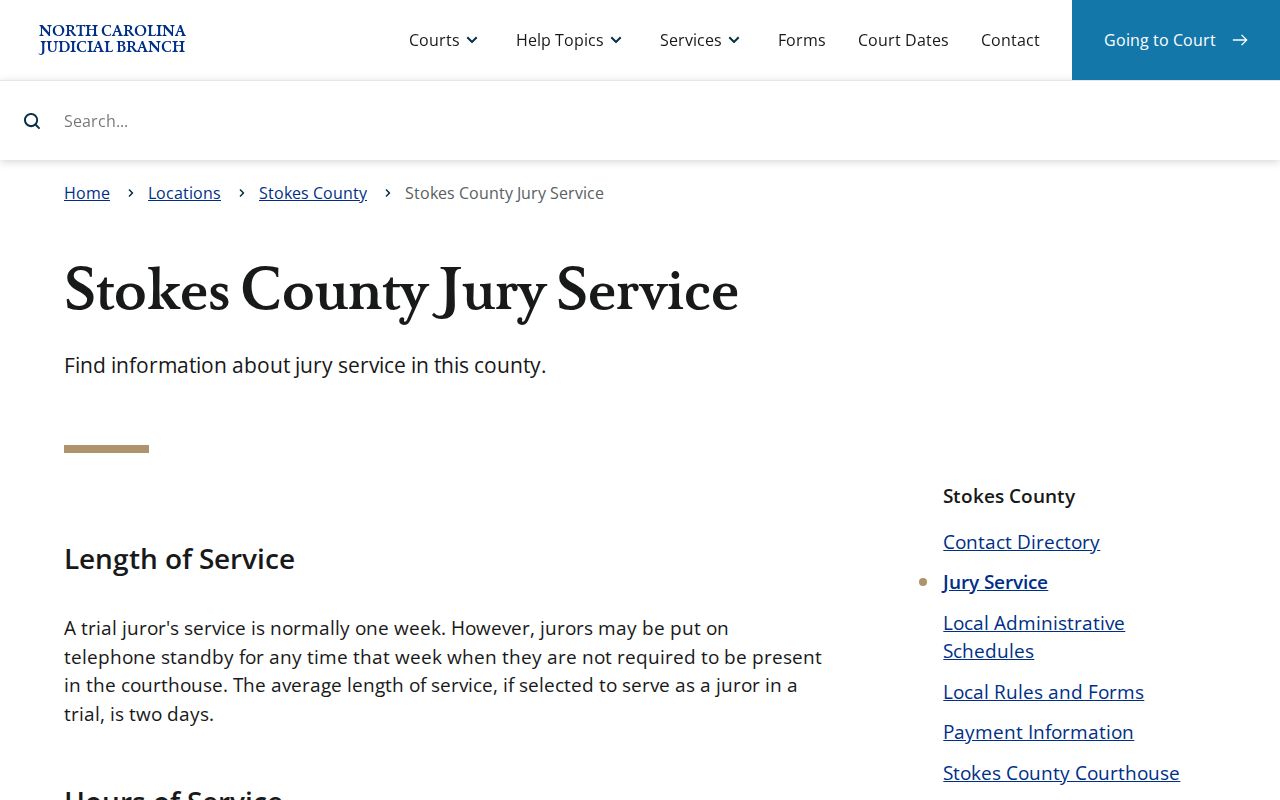
Jury-service details show trials happen here, but they cannot replace checking the calendar for your own case.
Stokes Court Calendar Schedules
For a master-session calendar and the Superior Criminal Court Plea Calendar link, the Stokes local administrative-schedules page is the county's publishing channel. Use it alongside Search Hearings and the Case Summary rather than instead of them. Know what you are reading. A plea-calendar listing exists to set criminal dispositions. A civil administrative or trial calendar runs under the Stokes/Surry local civil rules instead. Match the schedule to the case type first, and only then draw anything from a session list. The local administrative-schedules page carries those Stokes calendar links.
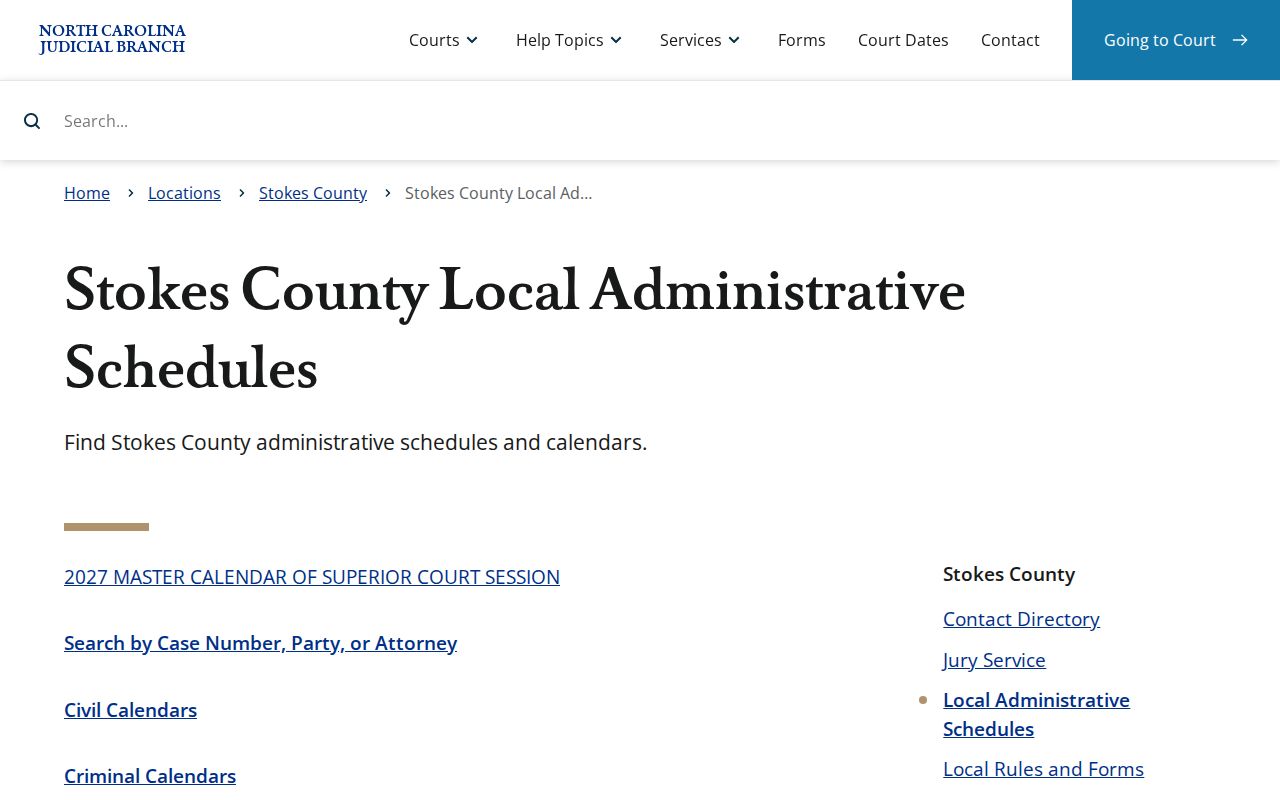
Local schedule links add session context to the date and location returned by eCourts.
Stokes Court Calendar Migration
Stokes County joined eCourts Track 9 on July 21, 2025. Legacy systems went inquiry-only before go-live. From that point, the Portal became the public record route for Stokes court records. The history explains a common puzzle. An old schedule reference or legacy timestamp can clash with what the Odyssey Portal shows now. Current terminology runs through Case Summary/Register of Actions and Search Hearings. When two records conflict, trust the newest public hearing result. Confirm with the court office. Do not assume the old display still controls. The Track 9 transition notice lays out the Stokes conversion sequence.
The migration changed search and calendar terms, not the courthouse or the Clerk's office itself.