
How to Search the Danbury Court Docket
Danbury serves as the Stokes County seat. That means a Danbury court docket is really a Stokes court record under another name. Begin at the North Carolina eCourts Portal. Smart Search accepts a record number, a citation criterion, or a name typed Last, First. Pick Stokes as the location. Then click the underlined case number to open the public Case Summary or Register of Actions.
- Keep the Danbury citation, notice, or case number available.
- Start Smart Search with a record number, indexed name, or available citation search.
- Filter the public result to Stokes County.
- Read the case events and status after opening the case number.
- Use Search Hearings for the current setting and contact the Stokes Clerk if the file or date needs confirmation.
The Portal shows a public view, never the certified original. For an official court file or certification, the Danbury courthouse is the practical in-person fallback.
Danbury Has Two Civic Addresses
Two civic addresses sit in Danbury, and mixing them up wastes a trip. The Town of Danbury office sits at 201 Courthouse Circle. It sits behind the historic courthouse. The Stokes County Courthouse and Clerk work from 1012 Main Street. Everything about court dates, public-terminal searches, court-file copies, and certification starts at the courthouse.
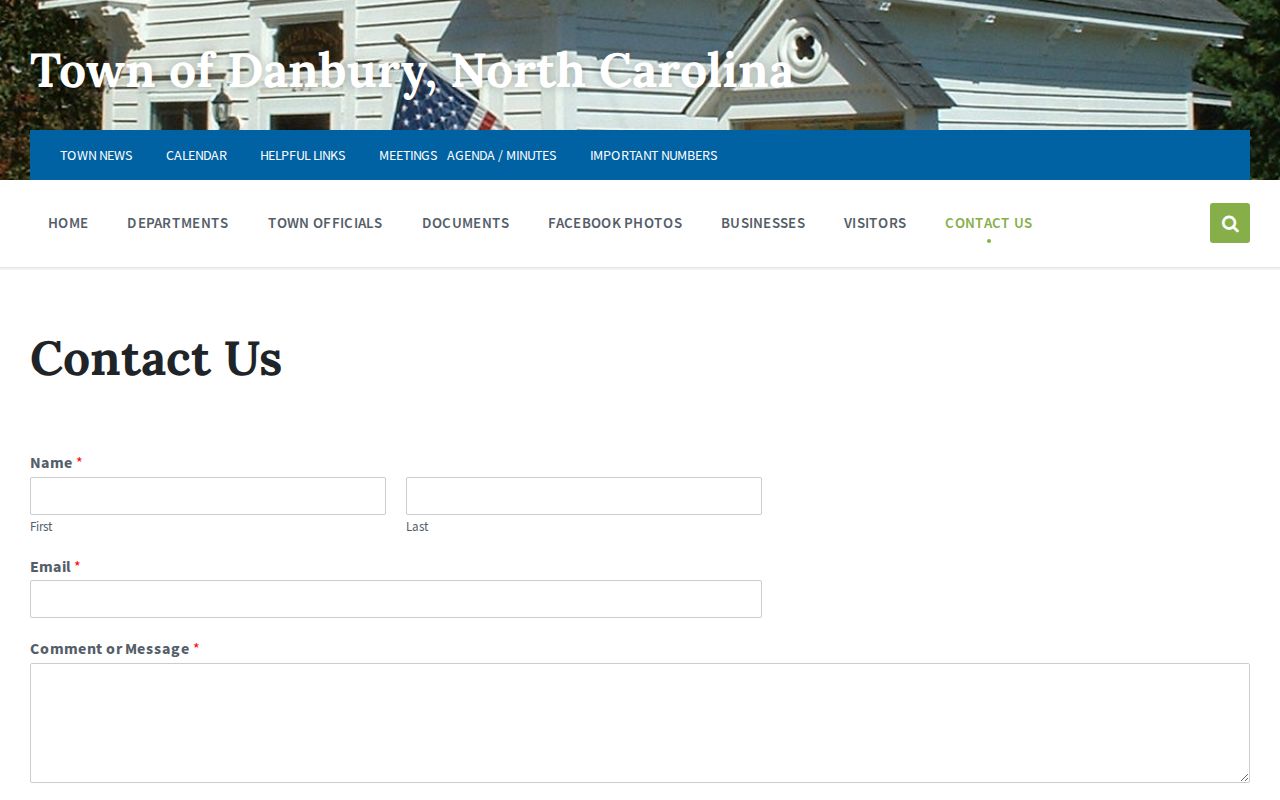
The phone number and hours the town publishes cover town-government business alone. Courtroom schedules, clerk-counter hours, and the route for a Danbury court record come from the courthouse instead.
The Danbury Municipal Court
Danbury has no municipal court of its own. There is no separate city docket, calendar, payment system, or city court clerk. A traffic stop or ordinance matter in town goes through the State's court system. It lands with the District Court and Clerk. G.S. 7A-272 gives District Court its jurisdiction over nonfelony criminal matters, including municipal-ordinance violations. So Danbury's court identity is really a county-seat identity. The town hosts the Stokes courthouse. It runs no second city court system or its own local docket rules.
Danbury Town Hours Are Not Court Hours
Check the two schedules before you drive. The Danbury town office posts Monday through Thursday hours of 9 a.m. to 1 p.m. Visits by appointment are also an option. The Stokes courthouse keeps weekday hours of 8:30 a.m. to 5 p.m. Each schedule serves its own office. Need the court counter, jury service, a hearing, or a public record? Go by courthouse information. Not every visitor detail appears in print, such as terminal rooms, parking rules, or recording policy. Ask court staff before counting on an unlisted practice. The rule stays simple: court work happens at 1012 Main Street.
Danbury Court Dates and Settings
The Portal's Search Hearings function is the tool for a current Danbury court date. Select Stokes first. Then add the hearing type, one search type, a matching criterion, and a date range. The state calendar runs alongside Stokes local schedules as parallel sources for settings. Recheck a date close to the hearing. A calendar entry can be reset or continued without much notice.
| Date | The date shown for the current Stokes proceeding. |
|---|---|
| Time | The listed hearing or docket-call time. |
| Courtroom | The public location assigned in the Portal or court calendar when shown. |
| Judge | The judicial assignment shown for that setting when public. |
| Setting Type | The hearing label, such as arraignment, pretrial, plea, trial, or another event. |
A town-government event in Danbury never shows up as a court setting. Search Hearings and the Stokes court sources control the court date.
Danbury Portal and Clerk Route
Danbury makes the online-to-in-person route unusually clear. Portal Smart Search covers the public information. Search Hearings gives the date. When a public view falls short, visit the Stokes Clerk, use a courthouse public-access computer, or call (336) 593-4400 for the local procedure. Remember, Portal data is not the certified court record.
| Danbury need | Proper route |
|---|---|
| Case Summary | eCourts Smart Search, Stokes location. |
| Current setting | eCourts Search Hearings and Stokes calendars. |
| Public terminal | Stokes Clerk’s courthouse office. |
| Certified copy | Request through the Stokes Clerk. |
Registration can unlock saved-case functions, but ordinary public Portal information needs no separate city account. Danbury has no city court login for the simple reason that no independent city court system exists here.
Danbury Traffic Tickets
A Danbury citation belongs to the Stokes court system, not the Town of Danbury website. Save the citation number. Run Smart Search or an available citation criterion. Confirm the setting through Search Hearings. Read the court instructions before paying anything, because the citation and the court decide which route is open to you. The Stokes Clerk's published payment information covers eligible mail, counter, and online options. The City publishes no separate Danbury traffic docket, fine schedule, or court payment page. For more detail, see Stokes County traffic court records.
Danbury Is the County Court Seat
Danbury counted 189 residents in the 2020 Census incorporated-place table. Small population, big court role. As county seat, the town holds the Stokes courthouse, which keeps Danbury tied to the public-terminal and clerk-counter route for county court records. The census table reflects that official count.
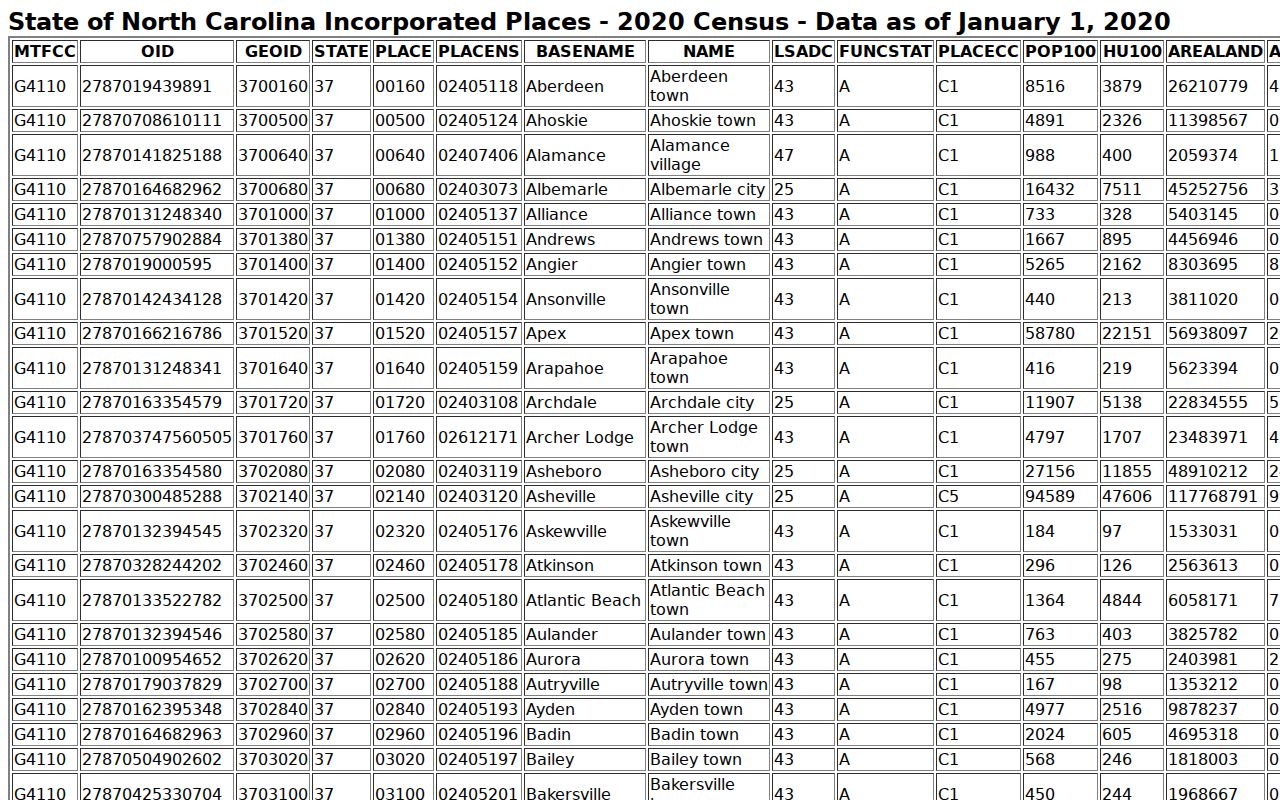
None of that adds up to a city docket jurisdiction. The county courts and the unified clerk handle Stokes matters from Danbury, Walnut Cove, and the Stokes portion of King.
Where Danbury Cases End Up
A Danbury matter starts at the county seat. But it follows the same assignment rules as any case from elsewhere in Stokes. District Court takes the lower-level criminal and traffic layer. Superior Court hears felonies, qualifying appeals, and larger civil matters. The Stokes County Clerk of Superior Court holds the local files for both levels.
Docket flow: Danbury location → Stokes District Court → Stokes County Clerk of Superior Court → Superior Court when the case type or appeal requires it.
The full structure and every search channel appear on the Stokes County court docket overview. Danbury's courthouse address does not change the state court path a case follows.
Danbury Links Old and New Records
Older Stokes County court material lives in archival collections, not in today's online docket search. The Portal returns nothing for an old Danbury case sometimes. That simply means the case predates the digital court records. It does not mean the record vanished. The State Archives Stokes court-record series lists the surviving docket and minute books. Anyone tracing that history can start there.
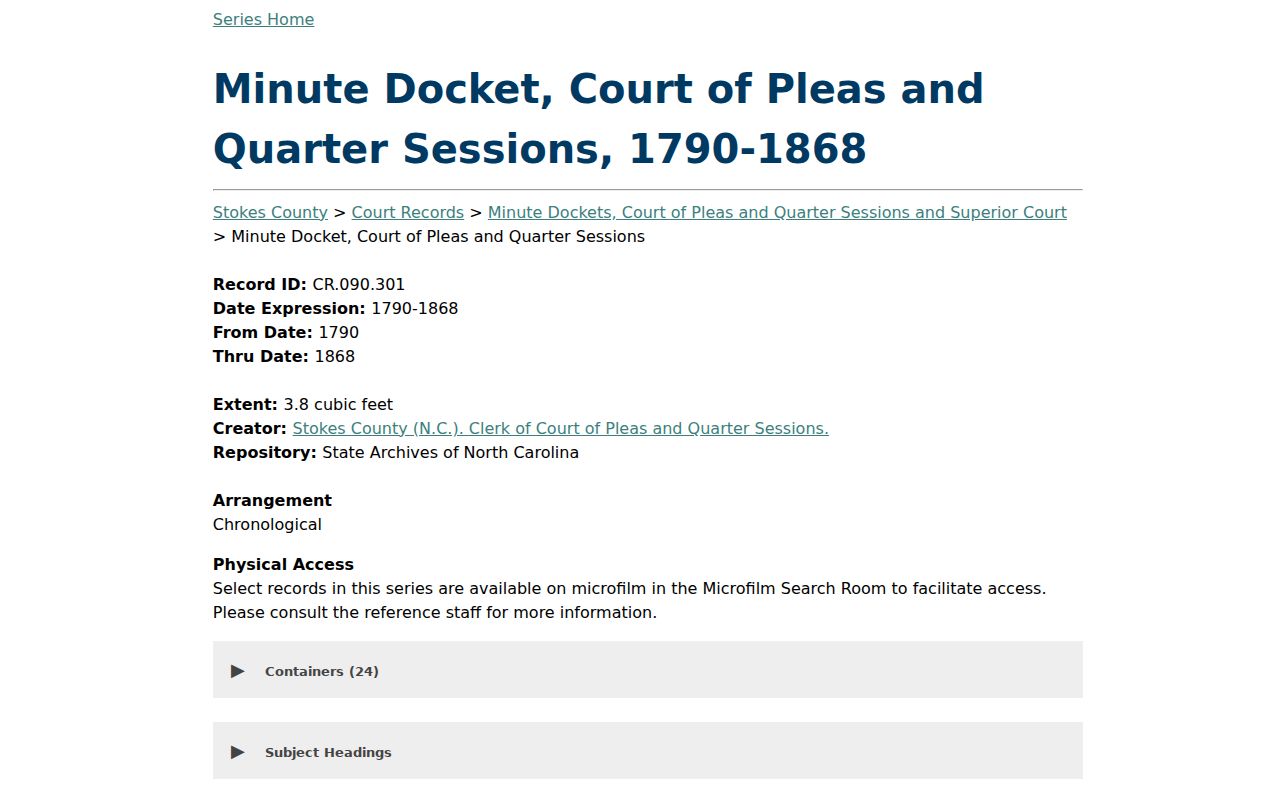
Danbury has held the courthouse role for a long time, and earlier county-seat locations hold their own chapter of that story. Today the split is simple. eCourts carries the current public case information, while older filings may still require a trip through the Stokes County clerk or the State Archives.
Public Access to Danbury Court Records
In Danbury, a court record is really a Stokes County record. The Portal gives you the digital public layer. The Clerk holds the actual court file. Those two channels cover most court docket searches. Still, public access has limits: sealing statutes, juvenile confidentiality, and other court restrictions still apply. If a result comes back restricted, the right move is asking the Clerk about the lawful route. A town office cannot override that.
Key Rules:
G.S. 7A-109 addresses clerk-maintained court records and public inspection unless law limits access.
G.S. 132-6 provides North Carolina’s inspection and copying baseline for public records.
G.S. 7B-3000 makes juvenile court records confidential except through authorized access.
Sometimes a Danbury case simply will not appear in the public Portal. The Stokes County Clerk can tell you what lawful path exists for that court file and how to request it.
Danbury Court Docket Went Digital
Stokes County joined eCourts Track 9 on July 21, 2025. That switch brought the Danbury courthouse into the statewide Enterprise Justice and Portal system. Public case information became searchable online for the first time. It did not, however, turn the Town of Danbury into its own record custodian.
The arrangement fits Danbury's history. The courthouse remains the place for official files and copies. The Portal serves as the public digital layer on top. One rule stays firm: rely on the courthouse source, not town-office proximity, when you plan a court-record visit.
The Portal speeds up a Danbury docket search. It cannot erase the gap between a public screen and the file itself. Smart Search handles names and case numbers well. Search Hearings covers settings. The Clerk handles everything else: inspecting an accessible local file, ordering a copy, or explaining a restricted result. Each channel answers a different court question.
Archives and eCourts split the timeline. The State's archival series holds older Stokes docket material, while current cases sit in Enterprise Justice. So a missing online result can mean several things. It may be an old record, restricted access, a search-format mistake, or a matter never filed. It never proves a Danbury court record failed to exist.
Danbury's county-seat status is a route, nothing more. There is no separate city court here. Your route starts with the Portal for a current public case. Use the Stokes calendar for a hearing date. The Clerk keeps the original court file. Save the Town of Danbury office for town-government business.
Danbury Court Record Choices
The courthouse keeps regular weekday hours: Monday through Friday, 8:30 a.m. to 5:00 p.m. The published number is (336) 593-4400. Those details serve a court task, not general city services. Call ahead for anything complicated. An older file, a restricted record, a large request, or a certified copy can each involve extra steps. The county publishes no separate counter or turnaround time for them.
For a Danbury court docket, the channels work together rather than in competition. A public terminal, a Portal search, a clerk counter, and a phone call each fit a different need. One covers public case information. Another fits a court date, the official file, or a certified document. The State notes that public access computers at clerk offices offer a statewide criminal-record-search fallback. The local Clerk remains the keeper of a Stokes case file.
Treat any digital result as a starting point. It is not a substitute for the original court record. That difference matters when a document never appears online. The same goes for a case with a legal access restriction. Certification is another reason. The Danbury courthouse answers those questions. The town office next door does not.
Danbury Court Record Check
A Danbury court record check begins with the notice and the Stokes court number. A citation tells you about the Danbury event itself. The court date, though, comes through the Stokes Portal and court calendar. A public result earns your trust. The case, the Stokes location, and the current hearing entry should all line up. Those details keep a Danbury search anchored on the court record. That beats the town-government office down the street.
The routing is straightforward. For a case, run the Danbury case number or party name through Smart Search. For a hearing, pick Stokes in Search Hearings. For a court file, go to the courthouse Clerk counter. Keep the case number handy for any certified item. If access seems blocked, ask the Stokes Clerk whether the record has a lawful public route.
- Danbury notice: identify the Stokes case number.
- Danbury docket: open the Stokes Case Summary.
- Danbury setting: confirm it in Search Hearings.
- Danbury file: use 1012 Main Street, not Town Hall.
- Danbury copy: ask for the exact court document needed.
This sequence puts Danbury's county-seat location to work. It invents no Danbury municipal court. It simply gives a Danbury reader a clean way to tell a town service apart from a court-record task.