
How to Search Civil Dockets
Begin with the official North Carolina eCourts Portal to locate a Stokes civil record. Smart Search takes a Stokes case number or a party name in Last, First order. Set the Location filter to Stokes first. Apply a civil type or status filter only after the basic search returns results. A known Stokes number is the most precise route. When the number is unknown, use the public filters. Read the record before trusting a case-status label as the final answer.
The Portal is only one Stokes access channel. The Stokes County Clerk of Superior Court keeps the local file. The Stokes courthouse offers three on-site options. A public-access computer allows no-cost lookup. A counter handles file inspection and copy requests. A phone line at (336) 593-4400 answers procedure or file-location questions. The clerk posts no mail-in copy request form and no stated turnaround time. Let the Clerk direct any mailed request for Stokes civil documents rather than assuming one exists.
- Open Smart Search and enter the civil case number or party name in the indexed format.
- Set Location to Stokes, then use civil type, status, or filing-date filters to narrow a broad return.
- Open the underlined number and read Case Information, Party Information, Case Events, Hearings, and Dispositions.
- Use Search Hearings for a current setting, then compare it with the case-level history.
- Use the Stokes Clerk’s terminal, counter, or phone line when the Portal does not answer the file question.
Stokes Civil Portal Filters
Smart Search gives one public channel into Stokes civil actions, estates, and nonconfidential special proceedings. Advanced filtering narrows by location, case type, status, and filing-date range. Match the filter to the case type. Otherwise the results can come back incomplete. Stokes civil status labels include Pending, Appealed, Reopened, Stayed, Unserved, and Trial De Novo. Several recorded disposition labels also appear. The labels are search tools. They do not replace reading the Case Summary itself.
| Search field | Stokes civil use |
|---|---|
| Record Number or Name | Basic search requirement; a known number is the most exact key. |
| Location | Select Stokes to focus the county’s civil record set. |
| Case Type | Guided choices include Civil General, Civil Magistrate, Civil Superior, estates, and nonconfidential special proceedings. |
| Case Status | Use as a narrowing tool after the initial public search. |
Note: An empty return can mean a wrong name, a wrong location, a restricted record, or simply no matching case.
What a Civil Docket Shows
A Stokes civil Case Summary or Register of Actions may show Case Information, Assignment Information, Party Information, Causes of Action, and Case Events. Dispositions, Hearings, and Financial Information appear when applicable. Stokes Causes of Action can appear for civil, family, probate, and mental-health categories. Events form the chronological record. Filings, notices, service activity, motions, and orders all appear there in the public view. The Case Summary does not guarantee a public image for every paper in the Stokes court file.
| Case number | Current Enterprise Justice numbers include year, type letters, sequence, and Stokes suffix -840; legacy files may retain CVS, CVD, or CVM references. |
|---|---|
| Parties | The recorded parties and roles in the case. |
| Causes of Action | Civil claim categories where the case type supports that Portal section. |
| Case Events | Chronological filings, service-related activity, motions, and orders available in the public record. |
| Dispositions and Hearings | Recorded outcomes and setting information, which should be read with the newest event. |
Stokes Civil Case Summary Reading
Read a Stokes civil docket in order. Confirm the Stokes division and status. Review the parties and causes of action. Then compare Case Events, Hearings, and Dispositions. A Reopened, Stayed, or Unserved label does not establish final closure. The Stokes Clerk remains the source for a certified judgment, a missing file item, or an older record.
- Unserved
- A service-related status that calls for review of the newest process event, not an assumption that the case ended.
- Stayed
- A status showing that the matter is not proceeding in the ordinary active sequence; review the latest order and event.
- Trial De Novo
- A new trial route after an eligible lower-court appeal, rather than a simple review of the former record.
Types of Civil Cases on the Docket
The Stokes civil docket spans several court-record categories, not one kind of lawsuit. The Portal's current civil list includes Civil General, Civil Magistrate, Civil Superior, Civil Foreclosure, Confession of Judgment, and Non-Domestic Restraining Orders. Related estate or special-proceeding categories also appear. The exact Stokes case type matters. It controls which search and status choices fit. Read the category from the Case Summary itself rather than inferring it from a party name or a short search result.
- Civil General and Civil Superior matters
- Civil Magistrate matters
- Civil Foreclosure matters
- Confession of Judgment matters
- Nonconfidential estates and special proceedings
The State’s small-claims information explains the magistrate-level civil route.
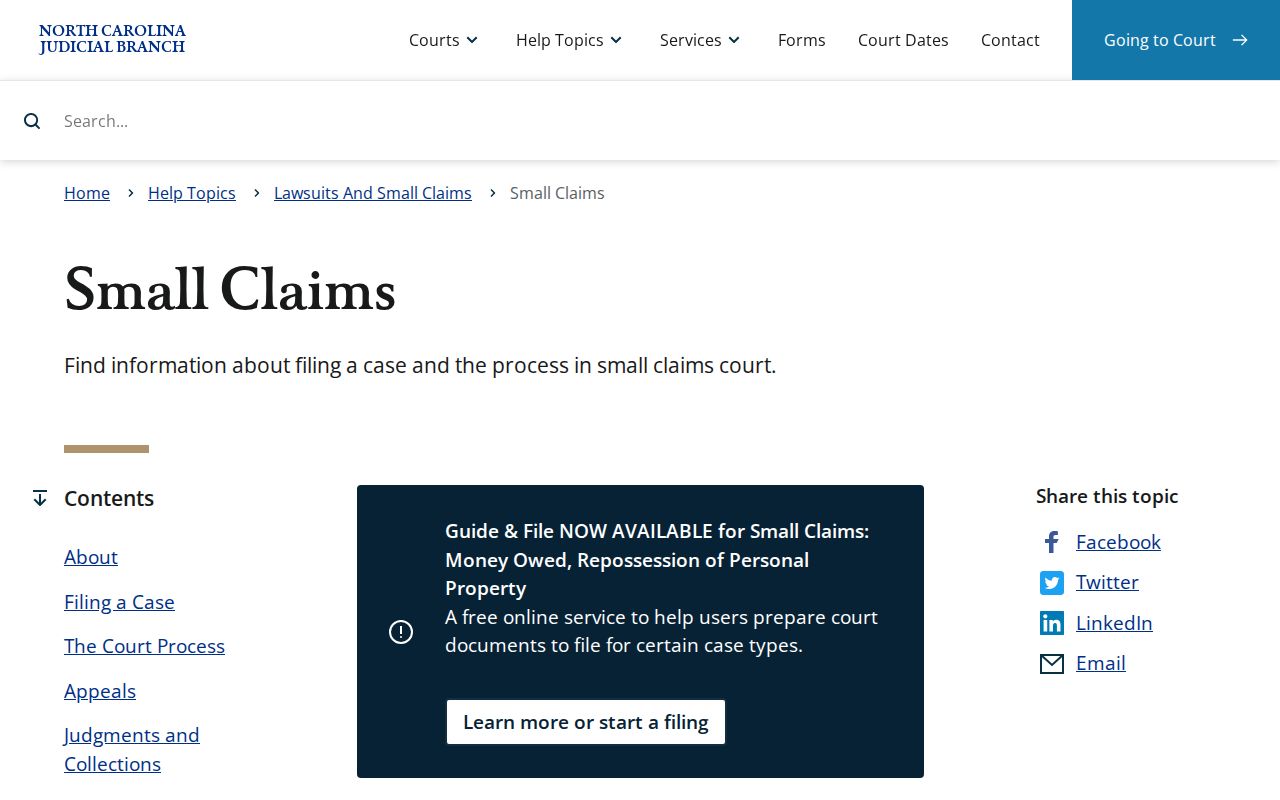
Small claims runs on District Court authority through a magistrate, yet its public court record stays in the unified Stokes Clerk and Portal chain.
Stokes Civil Court Division Line
For ordinary Stokes civil actions, G.S. 7A-243 sets the dividing line: District Court is the proper division at $25,000 or less, and Superior Court above $25,000. That rule assigns the proper trial division only. It does not mean the Stokes docket uses separate clerk offices. Both divisions share the Stokes County Clerk of Superior Court and the public eCourts path. The division field still matters, because it gives context for the hearing schedule and the court handling the action. The official G.S. 7A-243 text sets out the statutory ordinary-civil line.
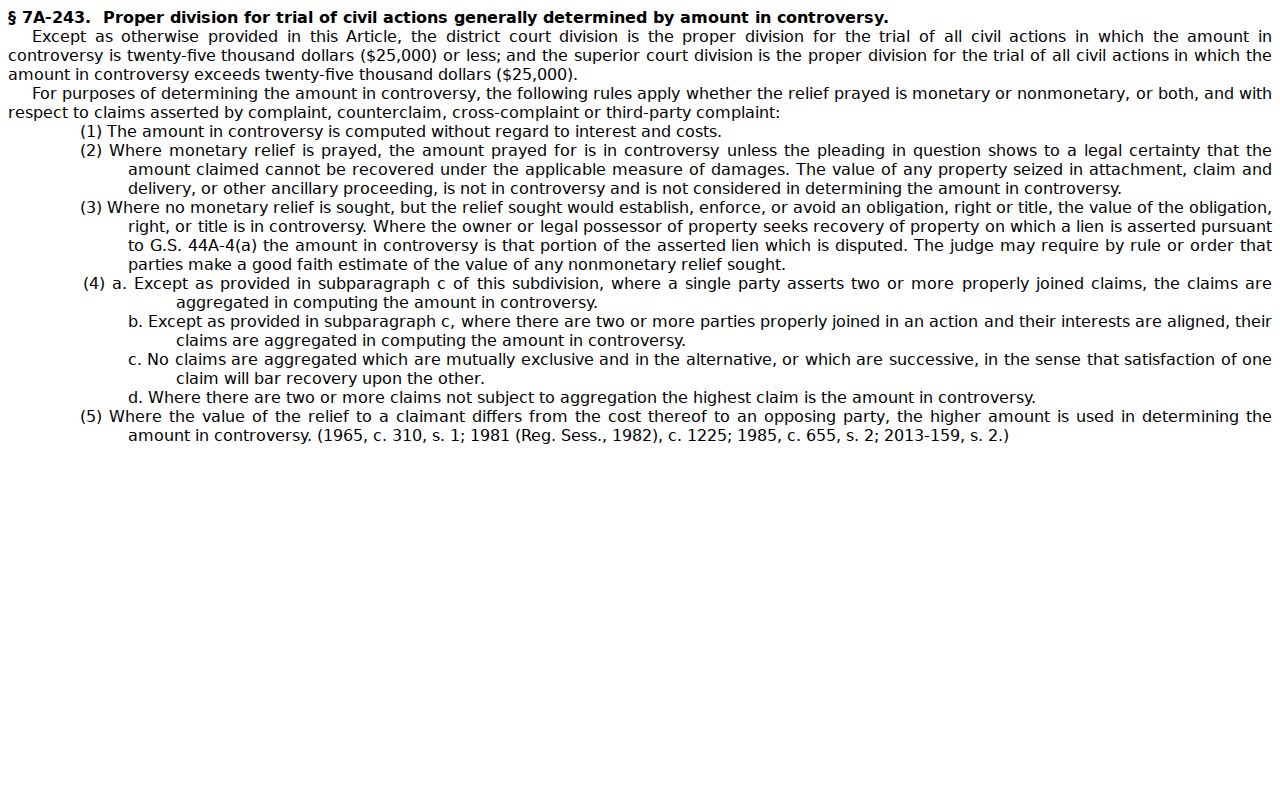
The amount rule picks the proper trial division without creating a separate county civil-record custodian.
Stokes Civil Superior Dockets
Some civil cases climb past the statutory cutoff. Appeals can also qualify from District Court. Both land in Stokes County Superior Court. A docket entry here might read as a Superior assignment, a transfer, or a trial de novo after an appeal. The Stokes Clerk of Superior Court still keeps the case file itself. The Stokes court location page lays out where this division sits in the county's unified court setup.
Want the bigger picture on Superior Court jurisdiction? The Judicial Branch's Superior Court overview explains which civil matters this division hears. That context shapes any Stokes civil docket.
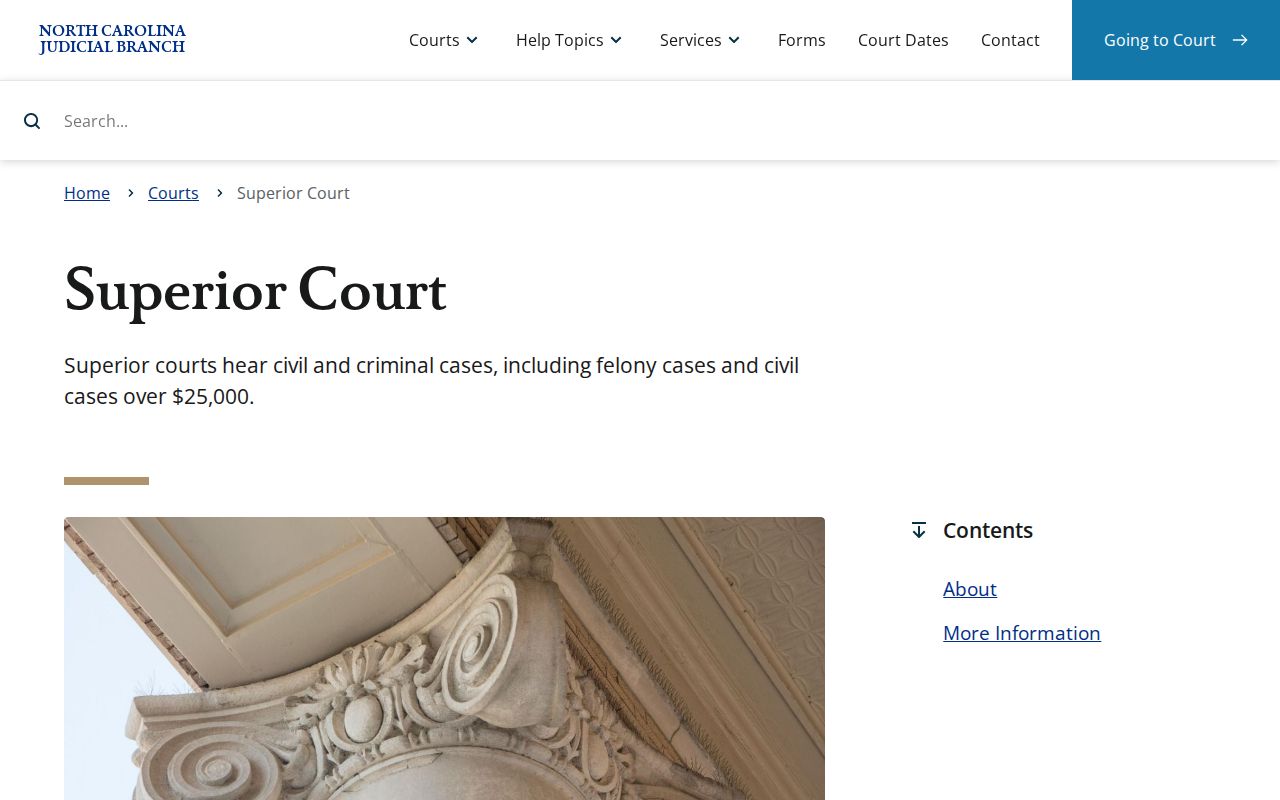
That structure is what puts the division label beside a Stokes civil case history.
Stokes Civil Small Claims Route
Magistrates in Stokes County handle small claims with District Court authority. They also take a few preliminary matters. State guidance puts local small-claims limits between $5,000 and $10,000. The statewide maximum is $10,000. Stokes has not posted a lower county-specific limit. So treat that range as the working guide rather than a settled Stokes figure. That gap means the court structure is firm. The exact dollar ceiling for Stokes is not. There is no separate Stokes magistrate database either. For the official file and the public Stokes record, the Portal and the Clerk are the route.
The official Small Claims Court page spells out what a magistrate does. It also explains how these cases move.
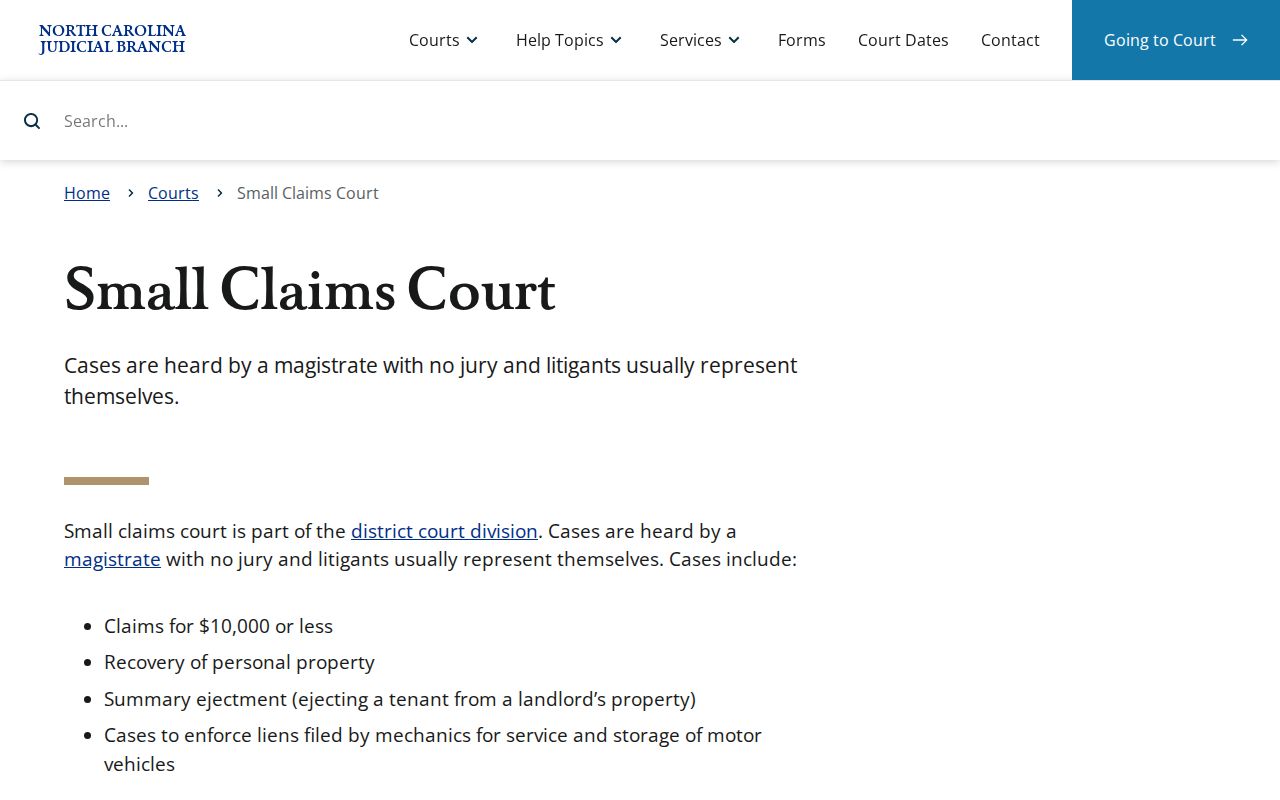
The magistrate’s role is a court-structure detail, not a separate local docket system.
Settings and Hearings on Civil Dockets
When a Stokes civil hearing exists, it shows in the Case Summary. eCourts Search Hearings covers the same ground. Stokes Superior civil cases add another layer through the Stokes/Surry local rules. Roughly 120 days after filing, the Court Manager sends out an Administrative Session Notice. Parties then submit their availability and conflicts. From there, an Administrative Order can lock in a trial date and a mediation arrangement. Orders and notices land in eCourts. Unrepresented parties get hard copies by mail where the rules require it.
Don't lean on a single source. Check the latest Hearing entry. Check the local calendar and the most recent order side by side. The Stokes County court calendar page walks through the date-check route in detail.
Stokes Civil Local Rules
Stokes and Surry share Superior civil calendaring rules. A Stokes case file stays with the Stokes Clerk. The Stokes Court Manager builds trial calendars at least four weeks before session. Oldest cases usually come first. Motion calendars come from the same office. They appear in the Portal by the Thursday before the hearing date. So the local rules tell you how a Stokes schedule gets built. The Case Summary shows the events and settings for your one case.
The Stokes local rules and forms page pulls together the county-specific materials a civil docket reader needs.
Local rules add the scheduling mechanics that a docket line alone may not explain.
Stokes Civil Continuance Route
A civil case set by Administrative Order does not get continued routinely. The local rules call continuance requests presumptively disfavored. Before session begins, the Court Manager holds exclusive authority, supervised by the Senior Resident. The ask must be written, on form AOC-CV-221. It has to reach the Court Manager by email or in person at least 10 days before session. It also has to be served on the other parties. It must state the reasons plus a proposed new trial date. One caution is baked into the rule. Incomplete discovery alone is not an extraordinary compelling reason.
A later hearing line on the docket can show that a setting moved. That entry does not replace the local continuance procedure for a set civil case.
Stokes Civil Filing Tools
Reading a Stokes civil docket and filing into one are different jobs with different tools. The public Portal handles the Case Summary and hearing lookups. For filing, North Carolina File & Serve is the authorized e-filing service. The Stokes/Surry rules use Portal, eFile, and eCourts as names for the Odyssey system. One wrinkle: a Calendar Request goes to the Court Manager by email. It is not uploaded through eFiling. The North Carolina File & Serve service stands apart from the public lookup Portal.
Public Access to Civil Dockets
Civil docket information for Stokes County is generally open through the Portal, within availability limits and legal restrictions. The statutes behind that openness are worth knowing. G.S. 7A-109 makes clerks keep records, files, dockets, and indexes, open to inspection during regular office hours unless law bars access. G.S. 132-6 sets the public inspection and copying baseline. G.S. 132-6.2 covers the copy medium and actual-cost limits. A public Case Summary is a strong starting point, but the Clerk still holds the official court file and any certification.
Access rule: Sealed or confidential civil materials do not become public through a Portal search. For a public file item, use the Stokes Clerk or the courthouse terminal; for an official copy, ask the Clerk about the appropriate record route and fee.
Stokes Civil Record Custody
Think of the Portal as a window, not the official record. The Stokes County Clerk of Superior Court keeps local trial, magistrate, estate, and special-proceeding files. Need a certified copy, an older paper file, or a record that's not showing up? That office is the stop. The Stokes contact directory gives the Clerk's direct route. NCAOC does not hold an ordinary Stokes court case. And no published Stokes-wide deadline promises how fast a civil copy request turns around. Older or complex files can take longer still.