
How to Search Criminal Dockets
The North Carolina eCourts Portal is the official route for a Stokes criminal docket. Its Smart Search covers Stokes criminal and infraction cases. Nothing beats a case number. Without one, type the person's name in the indexed Last, First form. Then narrow by Stokes as the location and Criminal or Infraction as the case type. What you get is a Case Summary or Register of Actions. It is not a certified court record.
Run the narrowest search that still finds the Stokes case. A broad result can be trimmed by status or filing-date range. If the list caps at 200, add filters rather than guessing at the first hit. The Clerk's public terminal works too. You can also contact the Stokes County Clerk of Superior Court for help finding a public file. The Stokes County case search walks through both name and number routes on the portal.
- Open Smart Search in the eCourts Portal and enter a case number or a name in Last, First order.
- Select Stokes as the location and add Criminal or Infraction filters when the initial return is broad.
- Open the underlined case number to reach the Case Summary or Register of Actions.
- Read the newest Case Events, Hearings, and Dispositions entries before treating the case status as final.
- Use the Stokes Clerk for a certified document, an unavailable file item, or a question about the official record.
Stokes Criminal Portal Fields
The Stokes Portal is built around cases. You cannot search by the text of a criminal charge. Smart Search takes a record number or an indexed name. Advanced filters open after the basic search. Month and day of birth stay masked in public Stokes results. A known case number is your best key. For a hearing coming up soon, use Search Hearings rather than reading only the case history.
| Portal control | Criminal docket use |
|---|---|
| Record Number or Name | Required basic criterion; names use Last, First. |
| Location | Use Stokes to focus a criminal or infraction search. |
| Case Type and Status | Filters include Criminal, Infraction, Pending, Disposed, Completed, and transfer-related choices. |
| Underlined Case Number | Opens the public Case Summary or Register of Actions. |
Note: The State's Portal guidance says optional filters refine a basic result and should never stand alone.
What a Criminal Docket Shows
A Stokes criminal Case Summary gathers the core case information, assignment details, party information, Case Events in order, Hearings, Dispositions, and Financial Information where it applies. Stokes events may show a warrant, order for arrest, or criminal summons being issued, served, returned unserved, reset to unserved, or recalled. Those entries mark progress only. To confirm an outcome, read the recorded Stokes disposition. Some public documents may be available, though the State does not promise a downloadable image for every event.
| Case number | The current format combines filing year, case-type letters, a six-digit sequence, and the Stokes county suffix -840. |
|---|---|
| Case Events | The dated chronological register of filings, process activity, orders, and other docketable actions. |
| Hearings | Scheduled and past settings when the case has hearing information. |
| Dispositions | The recorded outcome detail, which is more useful than a status label alone. |
| Financial Information | Appears when applicable; the Clerk can verify current official amounts. |
The Judicial Branch's criminal-case information gives the official context for how these criminal courts work.
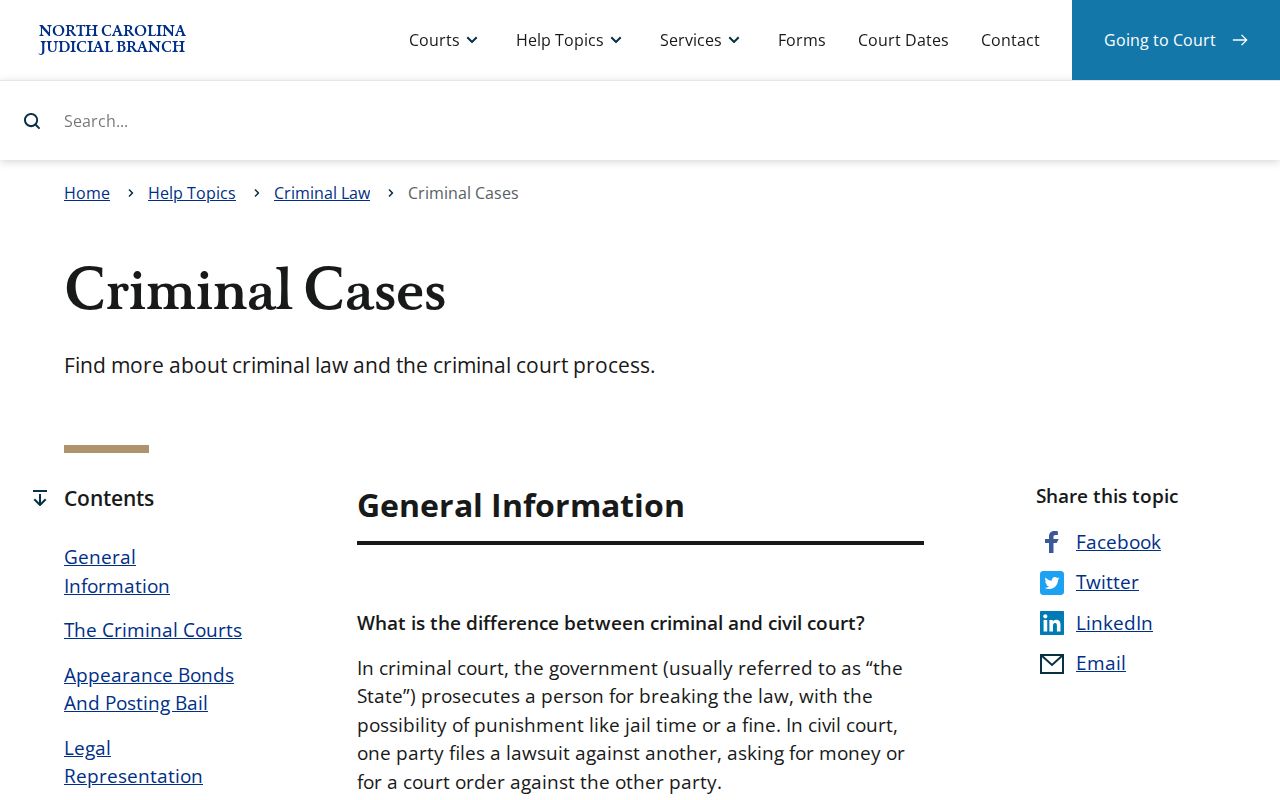
That context helps separate a court Case Summary from reports other agencies keep.
Stokes Criminal Docket Numbers
A current Stokes Enterprise Justice number opens with a two-digit filing year. Then come case-type letters, a six-digit sequence, and a three-digit county identifier. Stokes uses 840. A pattern like YYCR######-840 shows the structure, not a live case. Older migrated Stokes files may carry legacy references. Copy the number exactly before starting a new docket search.
- CR / IF
- CR generally signals a criminal case and IF an infraction-only case, though a mixed matter can use a criminal number.
- Pending
- A Portal status indicating an active or incomplete case, not confirmation of a specific future hearing.
- Transferred to Superior Court
- A status that can show movement from the District Court pathway to Superior Court.
Stages on a Criminal Docket
Stokes criminal docket entries usually read as a sequence. They do not give one verdict of guilt or innocence. Service and initial process often show up before an arraignment or first appearance. After that come pretrial work, a plea, a trial event, a disposition, and sentencing activity. The latest entry does not always close the case. Check it against the Dispositions section. Check any later Hearing entry too, before assuming the matter is finished.
Docket flow: Filing › Arraignment › Pretrial › Plea or Trial › Disposition › Sentencing
Stokes Criminal Court Split
Stokes has no rival criminal record keepers. One office, the Stokes County Clerk of Superior Court, holds the county file chain for both trial divisions. Stokes County Superior Court tries felonies. Stokes County District Court hears misdemeanors and infractions first, and felonies may see preliminary District Court activity before the Superior Court phase. A misdemeanor conviction appealed from District Court gets a trial de novo in Superior Court, meaning a whole new trial rather than a simple file transfer.
The official G.S. 7A-272 text sets out District Court's original criminal jurisdiction, municipal-ordinance violations included.
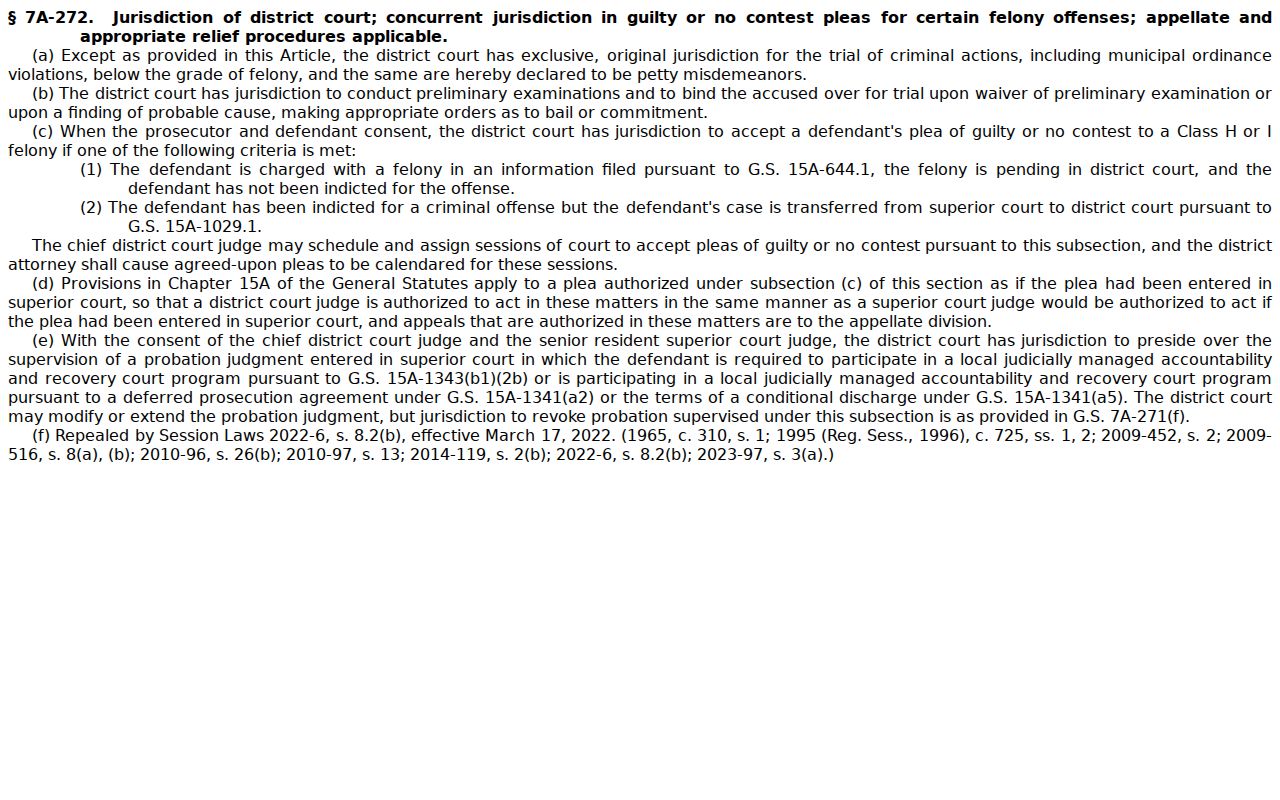
The division label tells you where a Stokes criminal docket is headed. Either way, the same Clerk keeps the local file.
Stokes Criminal Docket Channels
Three Stokes channels answer different docket questions. The Portal gives the public Case Summary and Search Hearings. The courthouse public computer offers a free criminal lookup. Local help is there when a search gets stuck. Certified copies and the official file live at the Clerk's counter. A printed portal result is still just case history, not an official document.
The Stokes court location page marks the local starting point for court services. The contact directory lists how to reach the office.
Which Court Holds Criminal Dockets
Both Stokes trial divisions work through the same statewide Portal and the same Stokes Clerk. Need a free way in? The public-access computer at the Stokes courthouse covers a criminal record search at no cost. For an official file or a certified copy, the Clerk handles that route directly. Magistrates sit as District Court officers. They do not run a separate clerk system of their own. Stokes has no separate municipal court docket. City ordinance and traffic matters move through the state General Court of Justice venue path like everything else.
For a current Stokes court date, Search Hearings beats any stale list. The Stokes criminal calendar service and the right court office do too. The Portal Case Summary still earns its keep. It puts the scheduled hearing next to the full history of the case.
Stokes Criminal Plea Calendar
The Stokes local administrative-schedules page posts a Superior Criminal Court Plea Calendar. Treat it as local scheduling context for a disposition setting. It is not the case-level hearing record. Search Hearings digs up a current setting by Stokes location and hearing type. It also works with a chosen search criterion and a date range. When a setting looks close or unclear, confirm it with the proper court office. The State's criminal calendar service is the parallel calendar channel that Stokes links to. In short, the plea calendar gives the local picture. The Case Summary and Search Hearings remain the case-specific checks.
Stokes Criminal Clerk Access
The Stokes County Clerk of Superior Court keeps the local criminal files. Turn to that office for a specific filed document, a certified copy, a records-access route, or a file-location question. When a Portal search comes back empty, incomplete, or flags a restriction, the Clerk is the local fallback.
Stokes County Clerk of Superior Court
1012 Main St.
Danbury, NC 27016
(336) 593-4400
Monday through Friday, 8:30 a.m. to 5:00 p.m.
Public Access and Sealed Criminal Dockets
Public Stokes adult criminal and infraction information sits in the Portal, subject to availability. Stokes access has limits. Sealed and confidential matters stay invisible to ordinary users. Juvenile cases, unreturned criminal warrants, and protective-order records are restricted, and registering for the Portal does not raise your access level. A no-result Stokes search might just mean a name or location problem. It can also mean a restriction. The Stokes Clerk cannot hand over protected juvenile information on a public request.
Key Rules:
G.S. 7A-109 requires clerks to maintain records, files, dockets, and indexes that are open to inspection unless law prohibits access.
G.S. 7B-3000 generally withholds juvenile records from public inspection unless a statute or court order authorizes access.
G.S. 15A-145 is one expunction statute with a Clerk filing route and statute-specific eligibility rules.
The official juvenile-record confidentiality statute supplies the local access boundary.
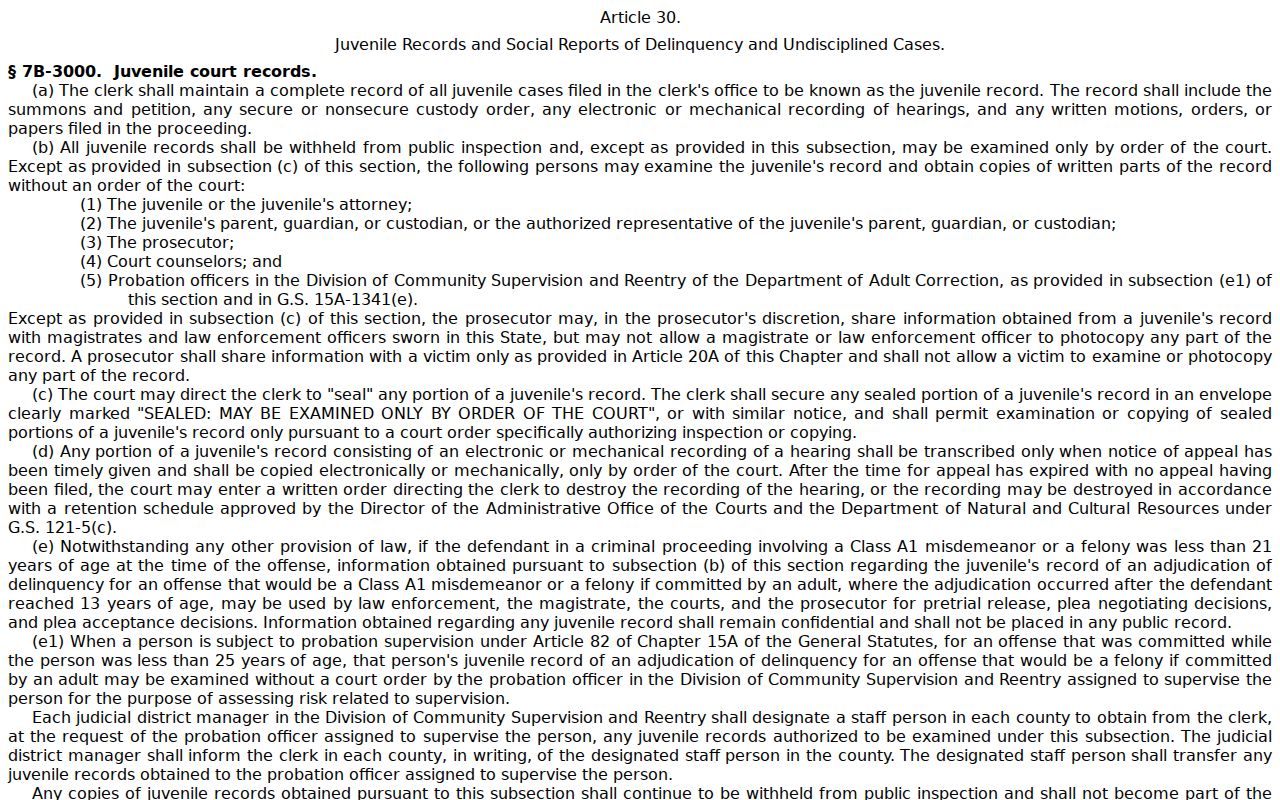
A restricted record is a legal-access question, not a gap that a wider public search can bridge. The G.S. 15A-145 expunction statute lays out one statute-specific petition route through the Clerk.
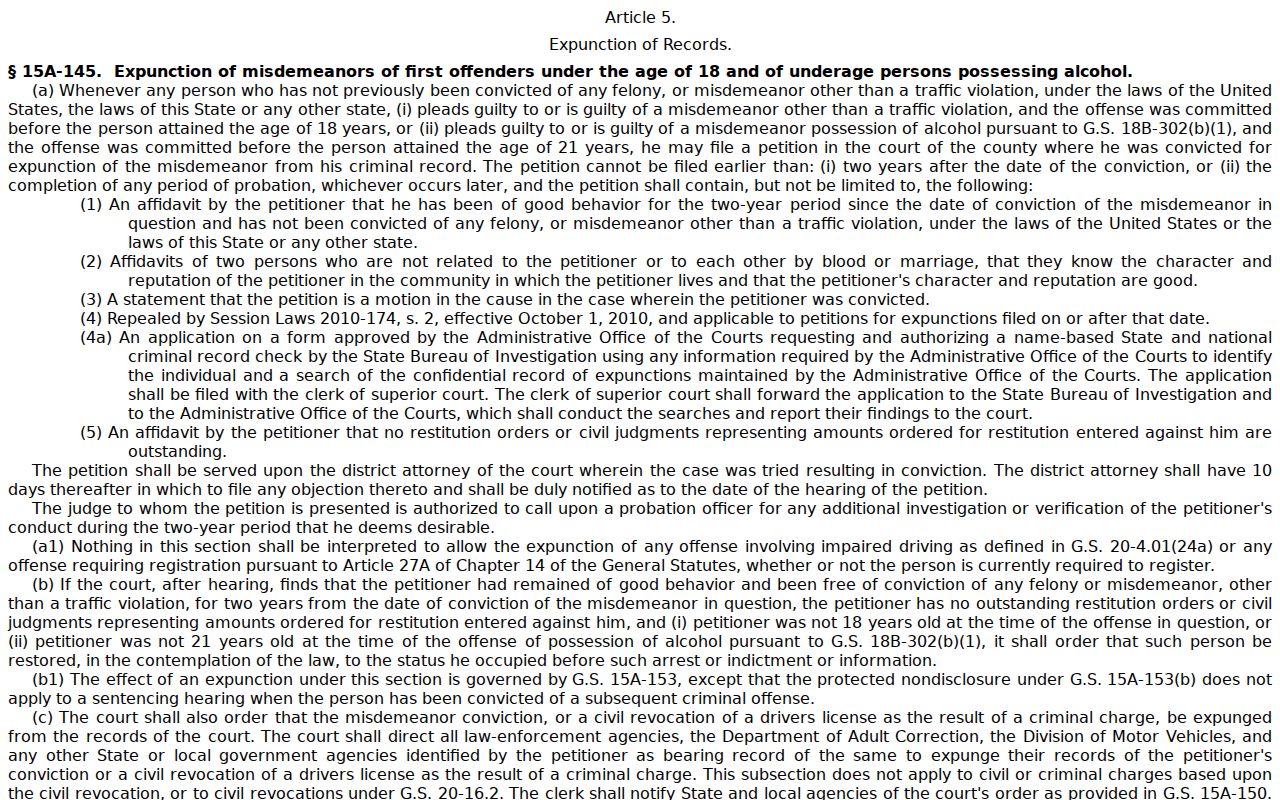
Grant an expunction under the applicable statute, and the court record leaves ordinary Portal availability.
Stokes Criminal Record Requests
A county certified name-index search is not the same thing. It is not a request for one Stokes case file. AOC-CR-314 is the State form for a Stokes county criminal-record search. It covers the county only and carries a $25 statutory fee. It does not create a statewide certified search. It does not open a juvenile record. Need a charging paper, a judgment, or a certified docket document? Contact the Stokes County Clerk of Superior Court for that or any public file item not shown online.
| Need | Stokes route |
|---|---|
| Public case history or setting | eCourts Portal, Search Hearings, or the Clerk’s public terminal. |
| Certified county name-index search | AOC-CR-314 through the Clerk, with the $25 statutory county-search fee. |
| Specific filed document or certification | Stokes Clerk as custodian of the county court file. |
The Judicial Branch’s criminal-record-search form page provides the official form route.
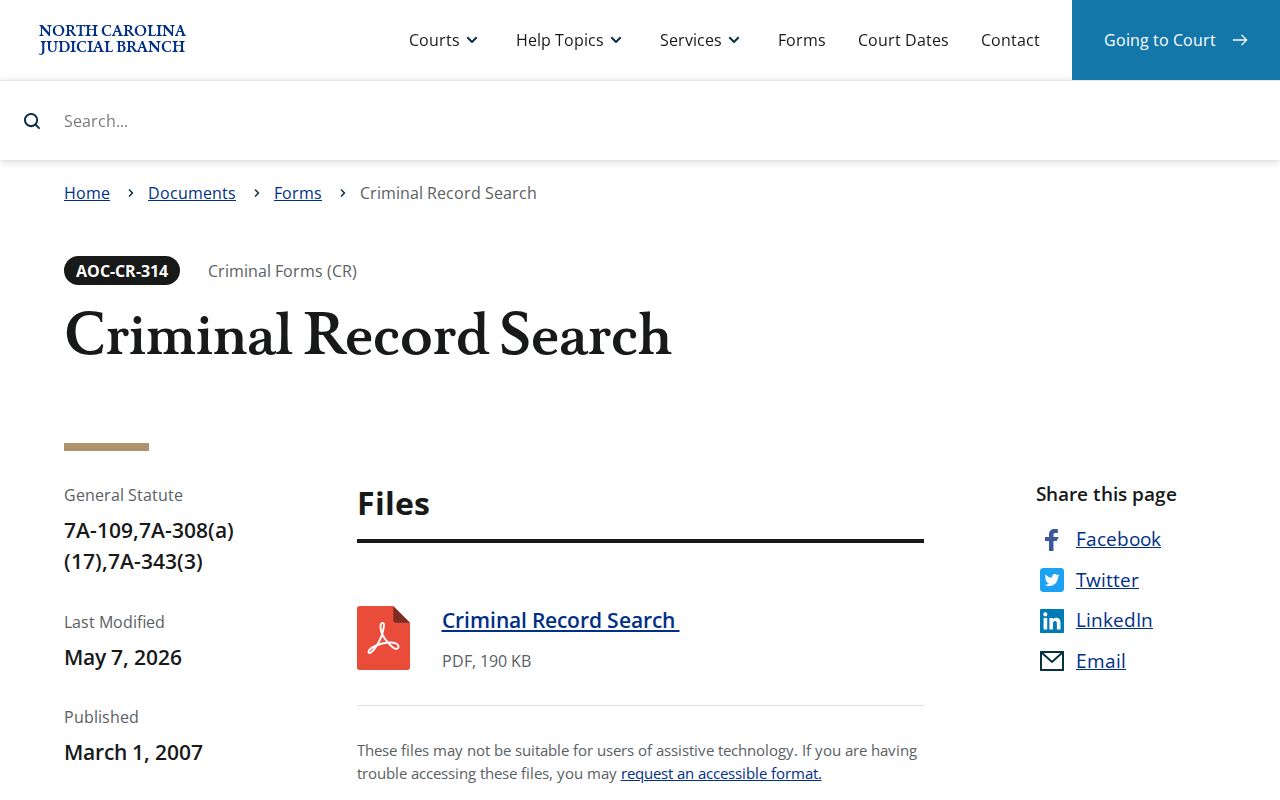
The AOC-CR-314 route is a county certified name-index search. It cannot replace a request for a specific court-file document.
Stokes Criminal eCourts Change
Stokes joined eCourts Track 9 on July 21, 2025. That switch is why current criminal docket talk centers on the Case Summary and the Register of Actions. Both live inside Enterprise Justice, also called Odyssey. The legacy systems turned inquiry-only during the transition. The public Portal then took over as the current access route. So older references may not match the Portal display you see today. The official Track 9 launch notice confirms the Stokes go-live date.
Note: For an older criminal file, keep the exact case reference handy. Ask the Stokes Clerk which public inspection or copy route applies.